Introduction
TL;DR A visitor lands on your landing page. They read your offer. They open your form, then close the tab without submitting it. This happens on countless websites every single day. Web form optimization fixes this exact problem.
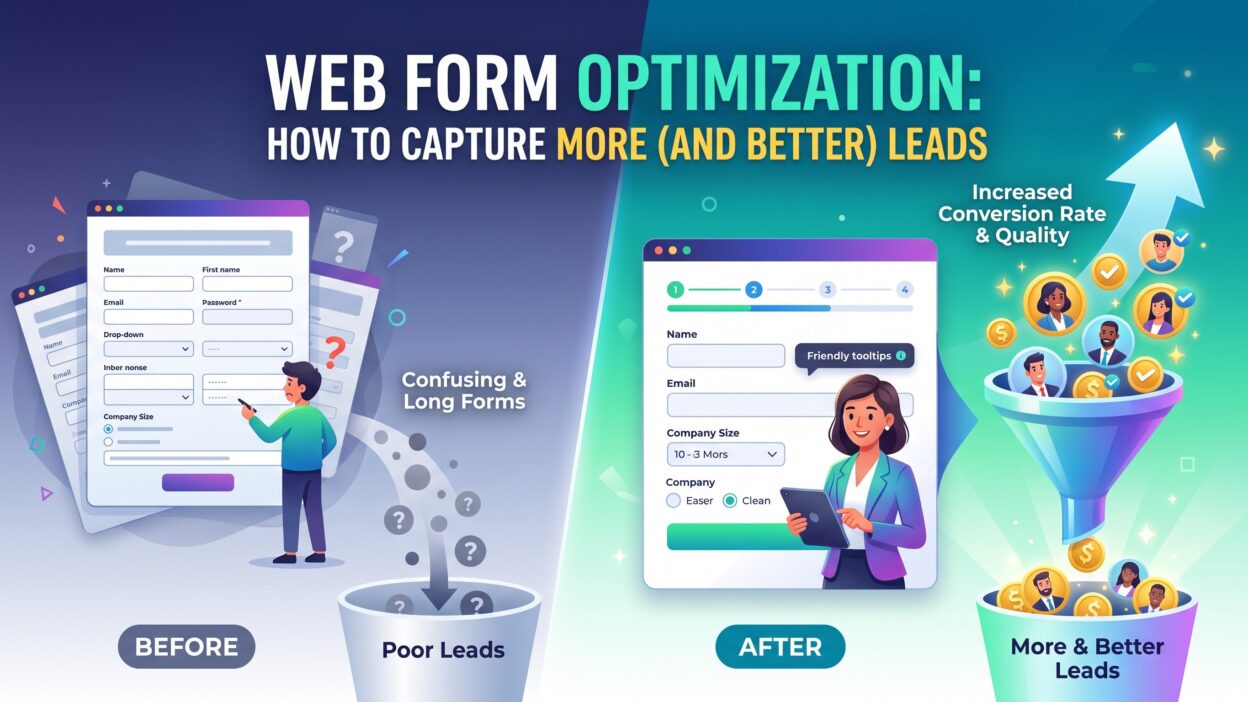
Web form optimization means designing forms that visitors actually want to complete. It removes friction, cuts confusion, and guides people toward a finished submission. A small change in field count or button copy can shift your conversion rate by a large margin.
This guide covers what web form optimization means, why it matters, and how you can apply it across your site today. You get practical steps, common mistakes, and answers to questions marketers ask often.
Table of Contents
What Is Web Form Optimization
Suggested word count: 280-320 words
Web form optimization is the process of improving form design, layout, and copy to increase completion rates. It covers everything from field count to button color to error message wording.
Most forms lose visitors at small friction points. A confusing label, a required field that feels unnecessary, or a slow load time can all push someone away before they finish. Web form optimization finds these friction points and removes them one by one.
This process blends design, copywriting, and data analysis. A marketer tests different form versions, tracks drop-off points, and adjusts based on real visitor behavior. The goal stays simple: make the form easy, fast, and worth finishing.
Why Web Form Optimization Matters for Lead Generation
Forms sit at the center of most lead generation strategies. A demo request, a newsletter signup, or a quote request all depend on a form getting completed.
Web form optimization directly affects how many leads a company captures each month. A form with too many fields scares visitors away. A form that asks the right questions in the right order builds trust and keeps people moving forward.
Even a small improvement compounds over time. A five percent lift in form completions can mean dozens of extra leads every month without any added ad spend.
How Web Form Optimization Improves Lead Quality
Lead quantity means little without lead quality. A long list of unqualified names wastes a sales team’s time and energy.
Web form optimization helps solve this by using smart field choices. A company size field or budget range field filters out visitors who will never buy. This keeps your sales pipeline full of leads worth calling.
Conditional logic plays a big role here too. A form can show different follow-up questions based on an earlier answer. This creates a shorter, smarter form path for each visitor instead of one long list for everyone.
Progressive profiling also supports lead quality. Instead of asking ten questions at once, a form asks two or three now and gathers more details on a return visit. This spreads the effort across multiple touchpoints and keeps the first form short.
Key Elements of Web Form Optimization
Field count sits at the top of every web form optimization checklist. Fewer fields almost always lead to higher completion rates. Ask only for information your team truly needs right now.
Field order matters just as much. Start with easy questions like name and email. Save harder questions like budget or timeline for later in the form.
Button copy deserves real attention too. A generic label like “Submit” feels cold and unclear. A specific label like “Get My Free Quote” tells a visitor exactly what happens next.
Error messages need clear, human language. A message like “Error 402” confuses visitors and stops them mid-form. A message like “Please enter a valid email” fixes the issue fast and keeps the process moving.
Mobile design cannot get skipped during web form optimization work. Many visitors fill out forms on phones during short breaks. Small tap targets and tiny text fields cause frustration and abandoned forms.
Load speed rounds out the list. A form that takes five seconds to load already lost some visitors before they even see it.
Common Web Form Optimization Mistakes
Many teams ask for too much information upfront. A phone number field on a simple newsletter signup feels invasive and unnecessary.
Some forms hide the privacy policy or skip it entirely. Visitors want reassurance that their data stays safe. A missing privacy note creates doubt at the worst possible moment.
CAPTCHA overload causes trouble too. A form with three verification steps annoys real visitors just as much as it blocks bots.
Poor visual hierarchy confuses people fast. A form with unclear labels or cramped spacing makes visitors work harder than they should. Web form optimization fixes this through clean spacing and clear labels above every field.
Skipping A/B tests is another common error. Teams guess which version performs better instead of testing real data. This guesswork often costs more leads than it saves in time.
Web Form Optimization Techniques That Drive Results
Single Column Layout
A single column form guides the eye in one clear direction. Multi-column forms confuse visitors about which field comes next.
This simple layout choice remains one of the easiest web form optimization wins available. Visitors move through the form faster and make fewer mistakes along the way.
Smart Defaults and Autofill
Autofill support saves visitors real time. Browsers can fill in name, email, and address fields automatically when a form supports this feature correctly.
Smart defaults, like pre-selecting a common country or plan option, also reduce clicks. Every removed click adds up across thousands of visitors each month.
How to Test and Measure Web Form Optimization Success
Start with a baseline. Track your current form completion rate before you change anything at all.
Run one test at a time. Change field count, or change button copy, but avoid changing both at once. Mixed changes make it hard to know what actually moved the needle.
Use heatmaps and session recordings to watch real visitor behavior. These tools show exactly where people pause, scroll back, or abandon a form midway through.
Track time to completion as a secondary metric. A form that takes too long, even if it eventually gets submitted, signals a design problem worth fixing.
Review your web form optimization results every month. Visitor behavior shifts with new traffic sources and new campaigns, so your form should adapt along with it.
Frequently Asked Questions
What is web form optimization in simple terms? Web form optimization means improving a form’s design and copy so more visitors complete it successfully.
How many fields should a lead generation form include? Most high-performing forms use three to five fields. Extra fields can hurt completion rates significantly.
Does web form optimization help with mobile conversions? Yes, mobile-friendly design plays a major role. Large tap targets and short field lists both improve mobile completion rates.
What tools help with web form optimization? Tools like Hotjar, Google Optimize alternatives, and native A/B testing features inside form builders all support this work well.
Should every form include a privacy policy link? Yes, a visible privacy note builds trust and can reduce hesitation during form completion.
How often should teams review their web form optimization strategy? Monthly reviews work well for most teams. Quarterly reviews suit lower-traffic sites with slower data collection.
Can web form optimization improve lead quality, not just quantity? Yes, smart field choices and conditional logic both filter out unqualified leads early in the process.
Read More:-How the AI Boom is Transforming the Job Market
Conclusion

Every form on your site works as a small gate between a visitor and a real lead. A confusing or bloated form closes that gate more often than most teams realize.
Web form optimization opens that gate wider. Fewer fields, clearer copy, and smarter logic all work together to guide visitors toward a finished submission.
Start with your highest-traffic form first. Test one change at a time, and track your results carefully before you roll changes out everywhere else.
Small, steady improvements through web form optimization compound over months and years. A better form does more than collect names and emails. It builds the first moment of trust between your brand and a future customer.