Introduction
TL;DR Choosing a CRM feels harder every year. New features roll out constantly, and pricing pages change without warning. Dynamics 365 vs SugarCRM is one of the most searched comparisons among growing companies right now, and for good reason.
Both platforms serve sales and service teams well. Both come from established vendors with years of development behind them. Yet they suit different company sizes, budgets, and technical setups.
This guide breaks down Dynamics 365 vs SugarCRM across features, pricing, customization, and support. You get a clear picture of which platform fits your team in 2026.
Table of Contents
Dynamics 365 vs SugarCRM: Quick Overview
Microsoft Dynamics 365 sits inside a much larger business suite. It connects CRM functions with ERP, finance, and Microsoft 365 tools like Outlook and Teams. Companies already running on Microsoft products often pick Dynamics 365 for this tight integration.
SugarCRM takes a different path. It focuses purely on customer relationship management through three main products: Sugar Sell, Sugar Serve, and Sugar Market. Each product targets a specific team function instead of one giant platform.
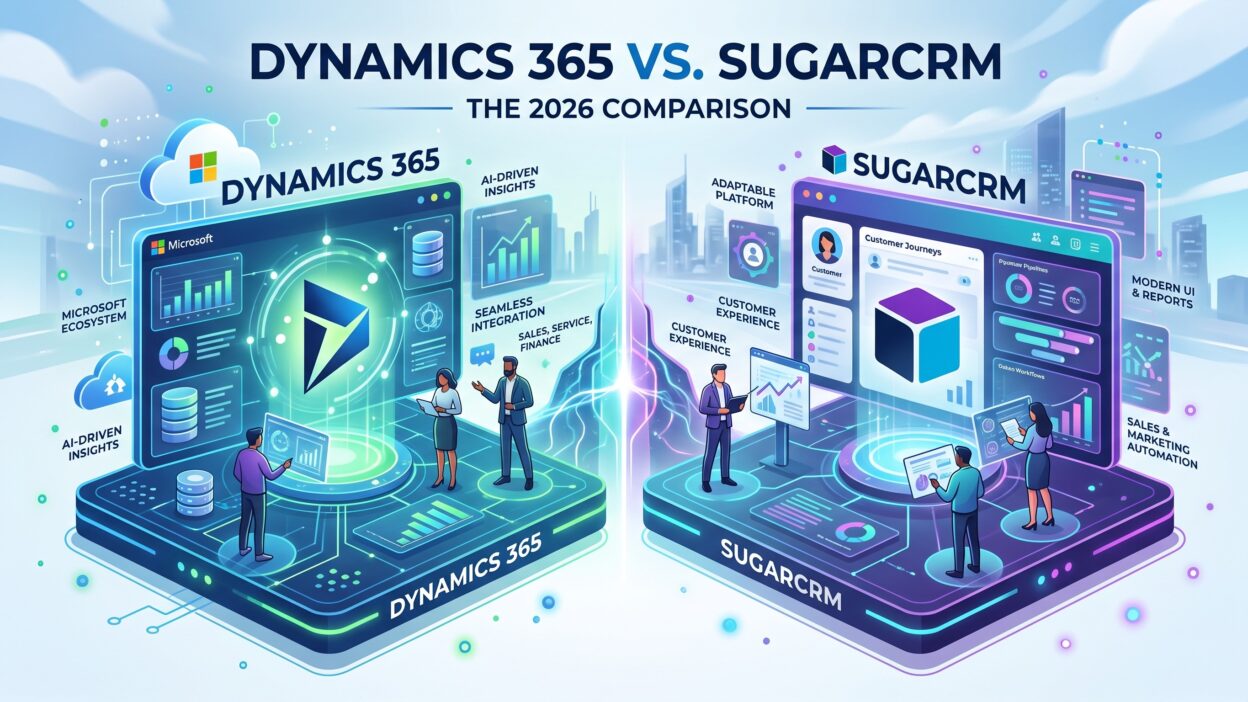
When you compare Dynamics 365 vs SugarCRM directly, the core difference comes down to scope. Dynamics 365 offers breadth across an entire business. SugarCRM offers depth within customer relationship workflows specifically.
Who Should Compare Dynamics 365 vs SugarCRM
Mid-size to large companies with complex operations often start this comparison first. They want a CRM that talks to finance, operations, and marketing systems without heavy custom coding work.
Smaller B2B teams also research Dynamics 365 vs SugarCRM before their first serious CRM purchase. They want strong automation without an overwhelming setup process.
Both platforms attract technical teams that want deep customization options too. This shared strength makes the comparison closer than many buyers expect at first glance.
Dynamics 365 Features and Capabilities
Dynamics 365 splits its CRM functions into separate apps: Sales, Customer Service, Field Service, and Customer Insights. Each app targets a specific team, and companies can license only what they actually need.
Sales teams get lead scoring, pipeline forecasting, and Copilot-powered insights that summarize deals and suggest next steps. This AI layer keeps growing across Microsoft’s product line each year.
Customer Service teams get case management, omnichannel routing, and a knowledge base that agents can search during live conversations. Field Service extends this further with scheduling and technician dispatch tools.
The biggest strength inside Dynamics 365 comes from its native Microsoft 365 connection. Emails, calendar events, and Teams calls sync directly into customer records without extra middleware. Companies already inside the Microsoft ecosystem gain real efficiency here.
SugarCRM Features and Capabilities
SugarCRM organizes its platform around three core products. Sugar Sell handles sales pipeline management, forecasting, and quote generation. Sugar Serve manages support tickets, case routing, and customer self-service portals. Sugar Market runs email campaigns, lead scoring, and marketing automation.
Sugar Sell includes a feature called Sugar Predict, which flags deals at risk of stalling based on historical patterns. This helps sales managers step in before a deal goes cold.
Customization sits at the heart of SugarCRM’s appeal. Admins can build custom modules, fields, and workflows without heavy developer involvement in many cases. Teams with unique sales processes often prefer this flexibility over a rigid, pre-built structure.
SugarCRM also supports both cloud and on-premise deployment options. This flexibility matters for companies with strict data residency rules or legacy infrastructure that cannot move to the cloud easily.
Dynamics 365 vs SugarCRM: Pricing Breakdown
Pricing plays a major role in any Dynamics 365 vs SugarCRM decision. Both platforms use tiered, per-user pricing, but the structure works differently.
Dynamics 365 Sales starts around $65 per user per month for the Professional tier. The Enterprise tier moves into the $95 to $105 range, and the Premium tier climbs toward $150 per user per month. Each additional app, like Customer Service or Field Service, gets billed separately unless you qualify for attach pricing on an existing license.
SugarCRM pricing starts lower on paper. Entry-level plans often begin around $19 per user per month for small teams, though this tier caps out at a limited user count. Standard and Advanced tiers move into the $59 to $115 range, and top-tier enterprise plans can reach $135 to $160 per user per month. Sugar Market, the marketing automation product, gets priced separately and can start near $1,000 per month depending on contact volume.
Neither platform publishes fully transparent pricing without a sales conversation for larger deployments. Implementation costs also add up fast on both sides, especially for companies that need heavy customization or data migration from an old system.
When you weigh Dynamics 365 vs SugarCRM on cost alone, SugarCRM often looks cheaper at the entry level. Dynamics 365 tends to win on value once a company needs deep Microsoft integration across multiple departments.
Integration and Ecosystem Comparison
Dynamics 365 Integrations
Dynamics 365 connects natively with Outlook, Teams, SharePoint, and Power BI. This tight bond with Microsoft 365 reduces the need for third-party connectors in many companies.
The Power Platform also extends Dynamics 365 through Power Automate and Power Apps. Technical teams build custom workflows and apps directly on top of the CRM without leaving the Microsoft environment.
SugarCRM Integrations
SugarCRM connects with a wide range of third-party tools, including Mailchimp, DocuSign, QuickBooks, and Google Workspace. The platform relies more on open APIs and a partner ecosystem than one dominant parent suite.
This approach suits companies that already run a mixed tech stack across different vendors. SugarCRM adapts to that mix instead of pulling everything into one closed system.
Ease of Use and Learning Curve
Dynamics 365 feels familiar quickly to teams that already use Outlook and Teams daily. The shared interface language shortens onboarding time for many Microsoft-first companies.
That said, the platform’s breadth can overwhelm new admins. Configuring Sales, Customer Service, and Field Service together takes real planning and often benefits from partner support during setup.
SugarCRM’s interface feels more focused since it centers purely on CRM workflows. Sales reps often find the pipeline view intuitive within the first few days of use.
Deep customization inside SugarCRM does require some technical comfort, though. Teams without an internal admin often lean on certified partners to unlock the platform’s full potential, similar to how larger Dynamics 365 rollouts work.
Which Platform Wins the Dynamics 365 vs SugarCRM Comparison
There is no single winner in the Dynamics 365 vs SugarCRM debate. The right choice depends entirely on your existing tools, team size, and budget.
Choose Dynamics 365 if your company already runs on Microsoft 365 and Teams daily. The native integration saves setup time and keeps data flowing between apps without extra connectors.
Choose Dynamics 365 as well if you plan to expand beyond CRM into finance or operations later. The platform’s ERP side makes that expansion smoother down the road.
Choose SugarCRM if you want lower entry costs and strong customization without a massive platform to manage. Sales-focused teams that want a dedicated CRM, rather than one piece of a larger suite, often lean toward SugarCRM.
Choose SugarCRM too if on-premise deployment matters for your industry. Few competitors in this price range still offer that flexibility today.
Frequently Asked Questions
Which platform costs less overall, Dynamics 365 or SugarCRM? SugarCRM often costs less at the entry level. Dynamics 365 can become more cost-effective for companies that need deep Microsoft 365 integration across departments.
Is SugarCRM easier to learn than Dynamics 365? Many users find SugarCRM’s focused interface easier at first. Dynamics 365 feels intuitive quickly for teams already using Outlook and Teams.
Does Dynamics 365 vs SugarCRM matter for small businesses? Yes, small businesses often prefer SugarCRM’s lower entry pricing. Larger companies with Microsoft-based operations tend to prefer Dynamics 365 instead.
Can SugarCRM run on-premise in 2026? Yes, SugarCRM still supports on-premise deployment for certain enterprise tiers, unlike many competitors that moved fully to the cloud.
Does Dynamics 365 include marketing automation? Yes, through Dynamics 365 Customer Insights, though it gets licensed separately from the core Sales or Service apps.
Which platform integrates better with existing business tools? Dynamics 365 integrates deeply with Microsoft products. SugarCRM integrates broadly across many third-party tools through open APIs.
Is customization stronger in SugarCRM or Dynamics 365? Both platforms support strong customization. SugarCRM often needs less developer time for basic customization, while Dynamics 365 offers deeper customization through the Power Platform.
Read More:-12 Tips for Selling to the C-Suite: What Top Sellers and Execs Say
Conclusion

The Dynamics 365 vs SugarCRM decision comes down to your existing systems and long-term plans. Neither platform beats the other in every category.
Dynamics 365 rewards companies already invested in Microsoft 365. The connected experience across email, calendar, and chat saves real time once your team adjusts to the platform.
SugarCRM rewards companies that want a focused CRM without a sprawling suite attached. Lower entry pricing and flexible deployment options make it a strong pick for lean, sales-first teams.
Take time to map your actual workflow before you commit either way. Run a trial with real data from your own sales process, not just a demo environment.
Whichever way this Dynamics 365 vs SugarCRM comparison points for your team, the right CRM should fit how your people already work. It should never force your team to work around the software instead.