Introduction
TL;DR Community builders need one place for courses, discussions, and events. This Mighty Networks Features breakdown covers every major tool the platform offers in 2026, so you know exactly what you get before you sign up.
Table of Contents
What Is Mighty Networks
Mighty Networks lets creators build a branded community without stitching together five different tools. Courses, events, membership plans, and discussion spaces all live inside one app. Members log in once and find everything they need.
The platform started as a simple community builder. It grew into a full business platform, with paid courses and live cohorts sitting alongside member discussions. This mix sets Mighty Networks apart from basic forum software.
Creators like this setup because it removes friction. A member doesn’t jump between a Facebook group, a course platform, and a separate events tool. Everything stays under one login, one app, and one brand.
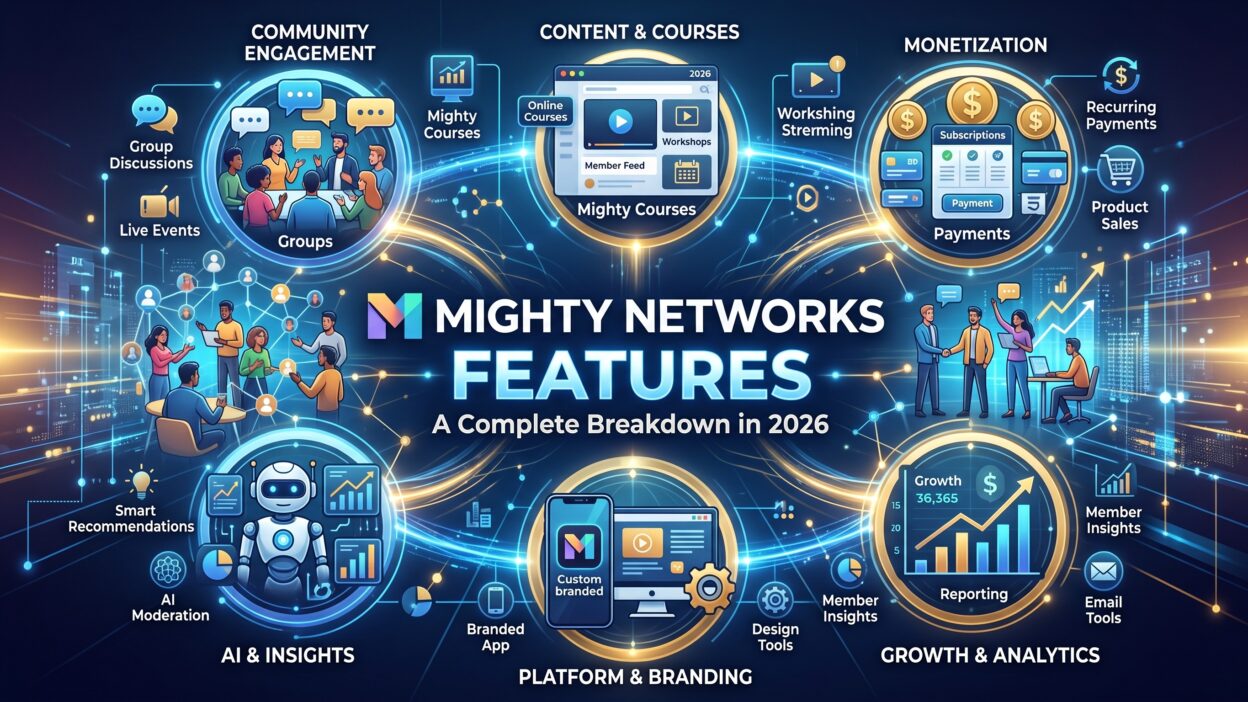
This Mighty Networks Features guide breaks down every core tool, from spaces and courses to native apps and monetization options. Each section answers a real question a buyer asks before choosing a platform for their community.
Small creators use the free trial to test the waters. Larger brands run entire membership businesses through the platform. Either way, the core toolkit stays consistent across every plan tier.
Core Mighty Networks Features Overview
The platform organizes everything around “Spaces.” A Space can hold discussions, courses, events, or a mix of all three. This flexible structure lets a creator design their community around actual member needs, not a rigid template.
Member profiles sit at the center of every interaction. Each member builds a profile, joins relevant Spaces, and connects with others who share similar interests. This structure keeps large communities from feeling chaotic.
Courses and cohorts run natively inside the platform. No separate course tool gets bolted on afterward. Members buy access, complete lessons, and discuss progress in the same app where they socialize.
Events give creators a way to host live sessions, workshops, or casual meetups. RSVP tracking and calendar sync come built in, so members never miss a scheduled session.
Spaces and Space Groups
Spaces act as the building blocks of any community on this platform. A creator might build one Space for general discussion, another for course content, and a third for a private mastermind group. Space Groups bundle related Spaces together, which keeps navigation clean as a community grows larger.
Members see only the Spaces relevant to their membership tier. A free member might see the general discussion Space. A paid member unlocks course Spaces and private groups tied to their plan.
Member Directory and Profiles
Every member gets a searchable profile. Members list their interests, location, and a short bio. This directory helps people find others with shared goals, which drives more engagement than a plain discussion feed alone.
Community and Engagement Features
Discussions form the backbone of most communities built on this platform. Members post updates, ask questions, and reply inside organized threads. Rich media support lets people share images, video, and links directly inside a post.
Polls and questions give creators a quick way to gather feedback. A single poll can spark dozens of replies, which keeps a quiet community active again. This feature works well for gauging interest before launching a new course or event.
Livestreaming lets creators host sessions without leaving the platform. Members watch and comment in real time, building a stronger connection than a pre-recorded video ever could. This feature became a core part of most Mighty Networks Features comparisons once it launched.
Direct messaging lets members connect one-on-one without leaving the app. This keeps private conversations inside the platform rather than pushing people toward outside tools like email or text.
Notifications and Activity Feed
A central activity feed shows members what’s happening across their Spaces. New posts, replies, and event reminders appear in one place, so members never need to hunt for updates manually.
Notification settings let members control how often they hear from the community. Some people want instant alerts. Others prefer a daily digest. This flexibility keeps engagement high without overwhelming quieter members.
Gamification and Badges
Points and badges reward active members for posting, replying, and completing courses. This turns quiet lurkers into active participants over time, since visible recognition motivates people to keep showing up.
Courses and Learning Tools
Course creation tools sit natively inside the platform, which removes the need for a separate course host. Creators build lessons, add video content, and organize modules in a simple drag-and-drop builder.
Cohort-based courses run on a schedule, with members moving through content together. This structure builds stronger accountability than a self-paced course, since members see classmates progressing at the same pace.
Self-paced courses give members full control over their timeline. This format suits evergreen content that doesn’t need a live cohort structure to succeed.
Quizzes and assignments let creators check understanding along the way. Members submit answers directly inside the platform, and creators track completion without exporting data to a separate tool.
Course Bundles and Drip Content
Creators bundle multiple courses into one package, which raises average order value for a paid membership. Drip content releases lessons on a schedule, keeping members engaged over weeks instead of letting them binge everything in one sitting and disappear.
This pacing strategy matches proven engagement patterns from other learning platforms, and it fits naturally inside the broader set of Mighty Networks Features built for retention.
Native Mobile Apps
Mighty Networks Features extend fully into native iOS and Android apps. Members download a branded app carrying the creator’s name and logo, not a generic Mighty Networks label. This branding builds trust and keeps the community feeling like a real business.
Push notifications reach members directly on their phones. This drives far higher engagement than email alone, since a notification appears the moment someone opens their phone rather than sitting buried in an inbox.
The mobile experience mirrors the desktop version closely. Members post, reply, watch courses, and join events without missing any core functionality. This consistency matters for communities where members spend most of their time on mobile devices.
Branded App Setup
Setting up a branded app requires a higher-tier plan. Creators submit their branding assets, and the platform handles the technical submission to app stores. This process takes a few weeks, so creators planning a launch need to build in extra lead time.
Monetization and Membership Plans
Creators charge for access through flexible membership tiers. A single community might offer a free tier, a paid tier, and a premium tier with extra perks. This structure lets creators serve a wide audience while still generating revenue from their most engaged members.
Payment processing happens directly inside the platform, so creators don’t need a separate checkout tool. Members enter payment details once and get billed automatically going forward.
One-time course sales work alongside recurring memberships. A creator might sell a single course for a flat fee while also running an ongoing paid community. Both revenue streams live inside the same dashboard.
Bundles, Trials, and Coupons
Free trials let new members test a paid tier before committing. This lowers the barrier to entry and often increases conversion compared to asking for payment immediately upfront.
Coupon codes support launches, partnerships, and seasonal promotions. Creators track redemption rates directly inside their analytics dashboard, which helps them measure which promotions actually drove new signups.
Analytics and Reporting Tools
Creators need real data to understand what keeps members coming back. Mighty Networks Features include a built-in analytics dashboard that tracks member activity, course completion, and revenue in one place.
Engagement metrics show which Spaces get the most activity. A creator can spot a quiet Space early and adjust content before members lose interest entirely. This visibility helps teams prioritize where to spend their time each week.
Revenue tracking breaks down income by course, membership tier, or one-time purchase. Creators running multiple offers see exactly which product drives the most income, which shapes future pricing and bundling decisions.
Member growth charts show signups and cancellations over time. A sudden drop in new members often points to a marketing issue outside the platform, while a spike in cancellations often points to a content or pricing problem inside it.
Export and Integration Options
Data exports let creators pull member lists and revenue reports into a spreadsheet for deeper analysis. Integrations with email marketing tools sync member data automatically, saving hours of manual list management every month.
Security and Data Privacy
Community platforms hold sensitive member data, including payment details and private conversations. Mighty Networks Features include encrypted data storage and secure payment processing, which keeps this information protected from common threats.
Creators control member permissions at a granular level. A creator can restrict who sees a private Space, who can post, and who can message other members directly. This control matters for communities handling sensitive topics like health or finance.
Two-factor authentication adds an extra layer of account protection for both creators and members. This feature reduces the risk of account takeovers, which matters more as communities grow and attract more attention.
Content Moderation Tools
Moderation tools let creators remove posts, mute members, or ban repeat offenders. Automated filters catch obvious spam before a human moderator even needs to step in, which keeps larger communities manageable without a full-time moderation team
Mighty Networks Features vs Competitors
Circle and Skool stand as the closest competitors in the community platform space. Each tool offers discussions, courses, and some form of monetization, though the depth of features differs across providers.
Circle focuses heavily on a clean discussion experience and integrates well with outside course tools. Teams that already use a separate course platform sometimes prefer Circle’s lighter, more modular approach.
Skool markets itself around simplicity and gamification, with a leaderboard system baked into every community. Pricing runs lower than Mighty Networks in many cases, though the feature set stays narrower overall.
Mighty Networks Features stand out most clearly around native mobile apps and cohort-based courses. Few competitors match the depth of branded app support this platform offers at comparable pricing tiers.
Why Choose Mighty Networks Over Alternatives
Creators building a serious membership business benefit from having courses, community, and events under one roof. This reduces monthly software costs compared to stitching together three or four separate tools.
The branded mobile app pushes engagement higher than browser-only competitors can manage. Members who download a dedicated app tend to check in more often than those relying on a bookmarked website.
Teams already running cohort-based programs find the built-in scheduling and drip content tools save significant setup time compared to building this structure manually inside a more generic platform.
Pricing Overview
Mighty Networks runs on tiered monthly or annual plans. Lower tiers cover the essentials, like Spaces, discussions, and basic course tools. Higher tiers unlock native branded apps, advanced analytics, and priority support.
Annual billing lowers the effective monthly cost compared to paying month to month. Most creators running a full-time community business choose annual billing once they confirm the platform fits their workflow long term.
A free trial lets new creators test the core toolkit before paying anything. This trial period gives enough time to build a basic community structure and invite a small test group of members.
Enterprise and Custom Plans
Larger organizations negotiate custom pricing based on member volume and required features. This tier usually includes dedicated support and advanced integration options not available on standard plans.
Pros and Cons of Mighty Networks
Mighty Networks Features bring courses, community, and events together in one branded space. Native mobile apps push engagement higher than browser-only platforms. Monetization tools support memberships, one-time sales, and bundles without extra software. Cohort-based course tools build strong accountability among members. Support quality stays consistent across most plan tiers based on public reviews.
Pricing runs higher than some lighter competitors, especially once a creator adds the branded app tier. The interface carries a learning curve for creators new to running an online community. Smaller creators just starting out might find some advanced features unnecessary for their current stage.
None of these drawbacks feel unusual for a full-featured platform. Every all-in-one tool trades some simplicity for depth, and Mighty Networks Features lean clearly toward depth over minimalism.
Who Should Use Mighty Networks
Course creators running cohort-based programs benefit heavily from the native scheduling and drip content tools. This removes the need for a separate learning management system entirely.
Membership businesses charging recurring fees benefit from the built-in payment and tier system. Creators avoid juggling a separate payment processor alongside their community software.
Brands wanting a fully branded mobile presence benefit from the native app support. This feature alone often justifies the higher-tier pricing for creators focused on long-term engagement.
Coaches and consultants running small paid groups benefit from the private Space structure, which keeps client conversations organized and separate from public content.
Solo creators just testing an idea might start with a free trial before committing to a paid tier, since the full feature set makes more sense once a community reaches a meaningful size.
Real-World Use Cases and Case Studies
A fitness coach moved her paid group from a scattered mix of a Facebook group and a separate course host onto one platform. Member engagement rose within the first month, and course completion rates climbed once everything sat in a single app.
A business consultant launched a cohort-based program using the native scheduling tools. Members moved through weekly modules together, and the built-in discussion Space kept accountability high throughout the entire program.
A nonprofit organization used a free tier Space to build a public community around its mission, then added a paid tier for donors who wanted exclusive updates and early event access. This tiered structure grew both engagement and recurring donations over several months.
A creative writing coach launched a branded mobile app to keep her members engaged between live sessions. Push notifications reminded members about weekly writing prompts, which noticeably increased participation compared to relying on email reminders alone.
These examples share a pattern. Creators who consolidate their tools under one platform see stronger engagement and less administrative overhead. This breakdown of Mighty Networks Features found this pattern consistent across very different types of communities.
Setup and Onboarding Guide
Setup starts with choosing a plan and creating an account. New creators land in a guided onboarding flow that walks through naming a community and setting a basic structure.
Building the first Spaces comes next. Most creators start with one general discussion Space and one course Space, then expand as their community grows and member needs become clearer.
Branding comes early in the process. Creators upload a logo, choose colors, and write a short community description. This branding carries through to the web version and, later, the native mobile app.
Inviting the first members matters more than perfecting every setting. A small, engaged founding group gives creators real feedback before they scale the community further.
Setting up payment plans happens through the built-in monetization dashboard. Creators connect a payment processor, set pricing tiers, and publish their first paid offer within the same session.
Frequently Asked Questions
What are the main Mighty Networks features?
The main Mighty Networks Features include Spaces for discussion, native course tools, live events, branded mobile apps, and built-in monetization through memberships and one-time sales.
Does Mighty Networks have a mobile app?
Yes. Higher-tier plans include a fully branded native app for iOS and Android, carrying the creator’s own name and logo instead of a generic label.
How much does Mighty Networks cost?
Pricing runs on tiered monthly or annual plans. Lower tiers cover core community tools, while higher tiers unlock branded apps and advanced analytics. A free trial lets new users test the platform first.
Can I sell courses on Mighty Networks?
Yes. Course creation tools sit natively inside the platform, supporting both cohort-based and self-paced formats, along with quizzes and drip content scheduling.
Is Mighty Networks better than Circle or Skool?
Each platform serves slightly different needs. Mighty Networks Features stand out for native mobile apps and deep course tools, while Circle and Skool focus more on lighter, simpler community structures.
Does Mighty Networks support live events?
Yes. Creators host livestreams and scheduled events directly inside the platform, with RSVP tracking and calendar sync built into every Space.
Can members access Mighty Networks for free?
Creators choose whether to offer a free tier alongside paid options. Many communities run a free discussion Space while reserving courses and premium Spaces for paying members.
Read More:-Consensus API Review 2026: Can You Build a Custom Demo Workflow on It?.
Conclusion

This Mighty Networks Features breakdown covered community tools, courses, mobile apps, and pricing in full detail. The platform brings discussions, live events, and paid courses together under one branded roof, which removes the need for several separate tools.
Native mobile apps stand out as one of the strongest Mighty Networks Features available in 2026. Few competitors match this level of branded engagement at a similar price point.
Creators running cohort-based courses or recurring membership businesses gain the most value from the full toolkit. Smaller creators just starting out can still benefit from the free trial before committing to a paid tier.
Based on this full breakdown, Mighty Networks Features suit creators who want depth over bare-bones simplicity. Test the free trial first, build a small Space structure, then decide if the paid tiers match your long-term community goals.