Introduction
TL;DR Reps spend hours on tasks a system could handle in seconds. CRM Automation fixes that waste. It takes repetitive work out of your team’s hands and lets a system handle it instead. This guide explains what CRM Automation means for revenue teams. It shows how the process works step by step. You get real benefits, setup steps, and mistakes to avoid along the way.
Table of Contents
What Is CRM Automation
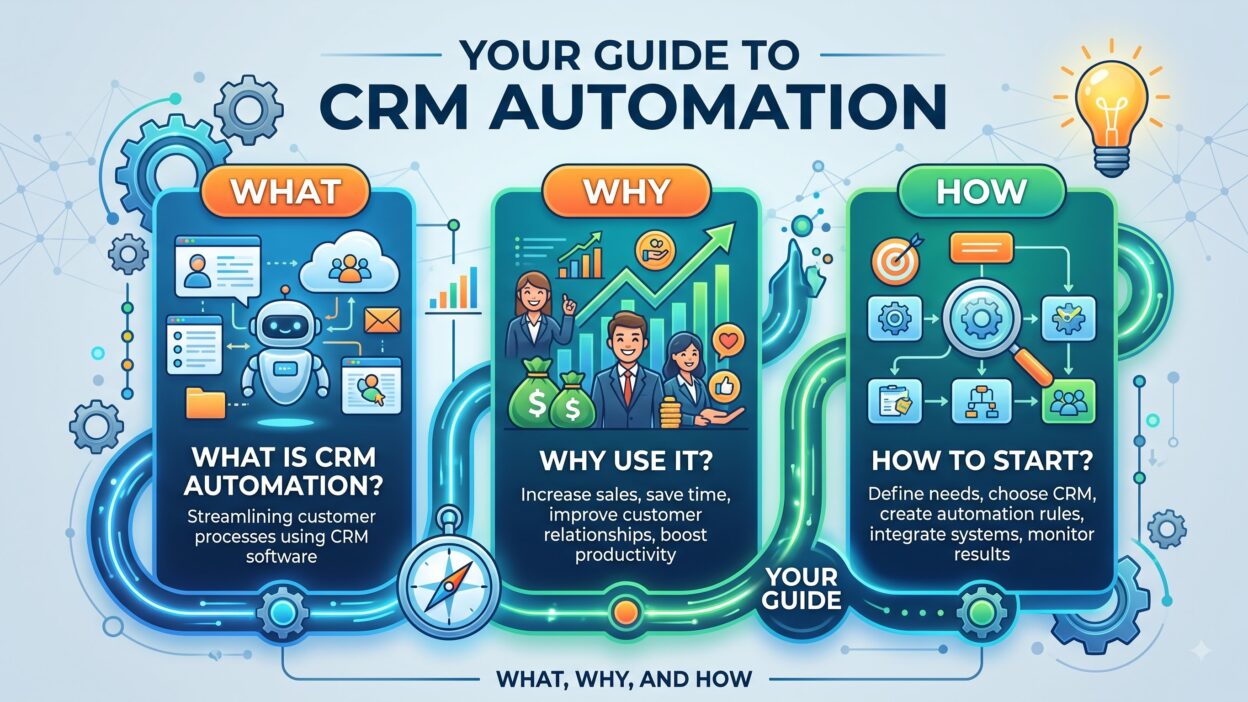
CRM Automation means using rules and triggers inside your CRM to handle tasks without manual input. A new lead comes in and the system assigns it automatically. A deal moves stages and the system sends a follow up email on its own. CRM Automation removes the manual steps between an action and a response.
Teams once relied on reps to remember every follow up and update every field by hand. CRM Automation shifts that burden onto the system itself.
Definition and Core Meaning
CRM Automation covers any rule inside your CRM that triggers an action without a person clicking a button. This includes email sequences, task creation, lead routing, and data updates. CRM Automation runs quietly in the background while your team focuses on selling.
Why Revenue Teams Need It
Manual processes break down as a team grows. Leads slip through cracks. Follow ups get missed. CRM Automation catches these gaps by handling routine work the moment a trigger fires. Teams move faster and lose fewer deals to simple human error.
How CRM Automation Works
CRM Automation runs through a simple structure built around triggers, rules, and actions.
Trigger Layer
A trigger starts the automation. This could be a new form submission, a deal stage change, or a specific date arriving. CRM Automation waits for this trigger before anything else happens.
Rule Layer
Once a trigger fires, the system checks conditions before acting. A rule might say only route the lead if company size fits your target range. CRM Automation applies these rules to keep automated actions relevant and accurate.
Action Layer
After the rule passes, the system executes an action. This could mean sending an email, assigning a task, or updating a record field. CRM Automation completes this loop in seconds, work that used to take a person several minutes or longer.
Types of CRM Automation
CRM Automation covers several distinct use cases across a typical revenue team.
Lead Routing Automation
New leads get assigned to the right rep automatically based on territory, industry, or deal size. CRM Automation removes the delay between a lead arriving and a rep taking ownership.
Email Sequence Automation
Follow up emails send on a set schedule after a trigger event, like a demo request or a signed contract. CRM Automation keeps this cadence consistent without a rep manually sending each message.
Task Creation Automation
The system creates a task automatically when a deal reaches a certain stage or goes quiet for too long. CRM Automation nudges reps toward the next right action instead of leaving it to memory.
Data Update Automation
Fields update automatically based on activity, like marking a lead as engaged after three email opens. CRM Automation keeps records accurate without constant manual entry from your team.
Benefits of CRM Automation for Sales Teams
Sales teams reclaim hours every week once CRM Automation takes over routine work.
Faster Lead Response
Speed wins deals. CRM Automation assigns and alerts reps the moment a qualified lead arrives, cutting response time from hours down to minutes.
Fewer Missed Follow Ups
Deals die from silence, not rejection. CRM Automation creates reminders and sends sequences automatically, so no prospect falls through the cracks during a busy week.
More Time Selling
Reps spend less time on data entry and manual scheduling. CRM Automation frees up that time, letting reps focus on calls and conversations instead of admin work.
Sales leaders also gain cleaner reporting once CRM Automation standardizes how data enters the system. Forecasts improve because the underlying data stays consistent across every rep and every deal.
Benefits of CRM Automation for Marketing Teams
Marketing teams also gain speed and consistency through CRM Automation.
Consistent Lead Nurturing
Every lead receives the same quality nurture sequence regardless of who owns the account. CRM Automation removes the inconsistency that comes from manual follow up across a large team.
Better Campaign Triggers
Marketing campaigns trigger automatically based on CRM activity, like a lead reaching a certain score. CRM Automation connects marketing actions directly to real buyer behavior instead of a fixed calendar schedule.
Cleaner Attribution Data
Automated tagging and field updates keep campaign source data accurate. CRM Automation reduces the manual errors that usually muddy attribution reports across marketing and sales.
Marketing teams also use CRM Automation to sync qualified leads directly into sales sequences, removing the handoff delay that often kills momentum after a strong campaign.
CRM Automation vs Manual CRM Management
Manual CRM management relies entirely on reps to update fields, send follow ups, and route leads by hand. This approach works fine for small teams with a handful of deals.
CRM Automation removes that manual burden as a team scales. Rules handle routing, sequences handle follow up, and triggers handle task creation. The system works around the clock without needing a rep to remember every step.
The difference shows up clearly in data quality and response time. Manual systems drift toward inconsistency over time. CRM Automation stays consistent because rules do not forget or get distracted during a busy day.
How to Build a CRM Automation Strategy
A working strategy follows three clear steps for most revenue teams.
Step One Map Your Manual Processes
List every repetitive task your team handles by hand today. Lead routing, follow up emails, and task reminders usually top this list. CRM Automation starts with a clear map of what needs automating.
Step Two Build Triggers and Rules
Define what event starts each automation and what conditions must apply before action happens. Keep rules simple at first, then add complexity once the basic automation runs smoothly.
Step Three Test and Refine
Run your CRM Automation on a small segment before rolling it out fully. Watch for errors or awkward triggers, then adjust before applying the automation across your entire pipeline.
Review your automation setup every quarter. Sales processes shift. New tools get added. CRM Automation needs regular tuning to stay useful as your team and pipeline grow.
Best Tools for CRM Automation
Several platforms support strong CRM Automation for revenue teams of any size.
Native CRM Automation Features
Salesforce and HubSpot both include built in automation builders. These native tools handle lead routing, task creation, and email sequences without needing a separate platform.
Workflow Automation Add Ons
Tools like Zapier connect your CRM to other systems, triggering actions across email, calendar, and support platforms. These add ons extend CRM Automation beyond the CRM itself.
Marketing Automation Platforms
Platforms like Marketo and Pardot handle campaign triggers tied directly to CRM activity. This connection keeps marketing and sales automation working from the same data source.
Choose your setup based on team size and complexity. Smaller teams often start with native CRM features. Larger teams eventually add workflow tools for broader automation across multiple systems.
Common Mistakes Teams Make With CRM Automation
Even experienced teams misuse the automation available to them.
Automating Broken Processes
Automating a bad process just makes mistakes happen faster. Fix your process first, then apply CRM Automation on top of a process that already works well.
Over Automating Every Task
Not every task needs automation. Some steps still need a human touch, especially in complex deals. Reserve CRM Automation for repetitive, low judgment tasks.
Skipping Regular Reviews
Automation rules go stale as your business changes. Teams that never review their setup end up running outdated rules that no longer fit current processes.
Frequently Asked Questions
What is CRM Automation in simple terms?
CRM Automation means setting up rules inside your CRM so tasks like lead routing and follow up emails happen automatically without manual input.
How does CRM Automation help sales teams?
It speeds up lead response, reduces missed follow ups, and frees reps to spend more time on actual selling conversations.
Which tools support CRM Automation?
Native CRM builders, workflow tools like Zapier, and marketing automation platforms like Marketo all support this process.
Does CRM Automation replace human judgment?
No. CRM Automation handles repetitive tasks well but complex decisions still need a person involved in the process.
How often should teams review their CRM Automation setup?
Review your rules every quarter since sales processes and tools change often enough to require regular updates.
Is CRM Automation only useful for large sales teams?
No. Small teams benefit too, often starting with simple lead routing and follow up sequences before adding more complex rules.
What is the biggest risk with CRM Automation?
Automating a broken process is the biggest risk. Fix your workflow first, then automate it once the process works well on its own.
Read More:-Smarter Territories, Efficient Automation: RevOps Success Stories
Conclusion

CRM Automation takes repetitive work off your team’s plate and hands it to a system built to handle it well. Sales reps respond to leads faster and miss fewer follow ups. Marketing teams keep nurture sequences consistent and campaign triggers accurate.
The real value shows up once your process already works, then gets automated on top of that foundation. Map your manual tasks first. Build simple triggers and rules. Test on a small segment before rolling automation out fully across your pipeline.
Review your CRM Automation setup every quarter and fix any process that breaks before you automate it further. Revenue teams that treat CRM Automation as an ongoing practice, not a one time project, see faster response times, cleaner data, and stronger pipeline health across every stage of the funnel.