Introduction
TL;DR AI is no longer a standalone tool. It works best when it connects to the real world. Model Context Protocol (MCP) integration with AI makes this connection possible in a clean, structured way.
Most developers struggle to link AI models to live data. They write custom code for every integration. That process is slow, expensive, and hard to maintain.
Model Context Protocol changes everything. It gives AI a standard way to talk to external tools, databases, APIs, and services. You write the connection once. It works everywhere.
This blog covers everything you need to know. You will learn what MCP is, how it works, why it matters, and how to set it up for your own AI projects.
Table of Contents
What Is Model Context Protocol (MCP)?
Model Context Protocol is an open communication standard. Anthropic developed it. It allows AI models to interact with external tools through a common interface.
Think of it as a USB port for AI. Every device you plug into USB follows the same standard. MCP works the same way for AI tools and data sources.
Before MCP, every AI tool needed its own integration logic. Developers built custom connectors for every use case. That approach did not scale well.
Model Context Protocol (MCP) integration with AI removes that burden. It creates a universal layer between AI and the tools it needs to use.
The Core Problem MCP Solves
AI models are smart but isolated by default. They cannot browse the internet, query a database, or read a file without explicit instructions.
Developers had to build these capabilities from scratch for each model and each tool. The result was fragmented, inconsistent, and slow to update.
MCP solves this by standardizing how AI models request information and call external functions. Every tool that follows the MCP standard works with every MCP-compatible AI.
Who Created MCP and Why?
Anthropic released Model Context Protocol as an open standard. The goal was to reduce friction in AI development. They wanted AI assistants to work like a skilled human employee who can use multiple tools.
The protocol is open-source. Any developer can build MCP-compatible tools. Any AI company can adopt it. This creates a growing ecosystem that benefits everyone.
How Model Context Protocol Works: The Technical Architecture
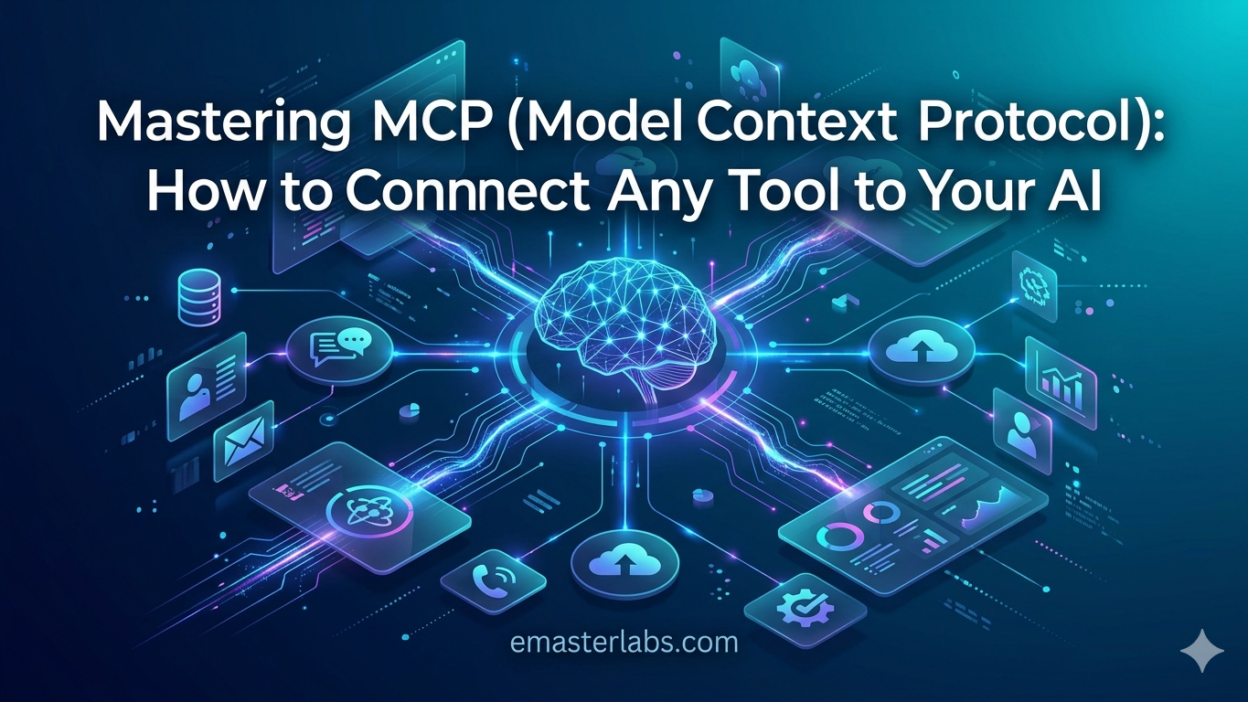
Understanding MCP requires a look at its architecture. The system has three main components: the Host, the Client, and the Server.
The Host
The Host is the AI application itself. Claude, GPT, or any other model acts as the Host. It receives user requests and decides what tools it needs to call.
The Host does not directly manage tool connections. It delegates that work to the Client.
The Client
The Client sits between the Host and the external tools. It manages communication, handles authentication, and maintains the connection state. One Host can have multiple Clients active at the same time.
The Server
The Server is the tool or data source you want to connect. It could be a file system, a CRM, a web search engine, or a custom API. Each Server exposes its capabilities through a standard MCP interface.
Model Context Protocol (MCP) integration with AI works through this three-layer structure. The Host asks for something. The Client routes the request. The Server delivers the result.
MCP Communication Flow
Here is how a typical MCP interaction works in practice. A user asks the AI to pull the latest sales report. The Host recognizes it needs external data. It sends a request to the Client. The Client contacts the appropriate MCP Server. The Server fetches the report and returns it. The Host uses the data to form a response.
This entire process takes milliseconds. It happens seamlessly from the user’s perspective. The AI appears to know everything. In reality, it fetches what it needs on demand.
Key Features of Model Context Protocol
MCP is not just a communication layer. It comes with built-in features that make AI integrations reliable, secure, and scalable.
Tool Discovery
MCP Servers announce what they can do. When an AI connects to a Server, it learns what tools are available. This is called capability discovery.
The AI does not need pre-programmed knowledge of every tool. It discovers capabilities at runtime. This makes the system dynamic and adaptable.
Standardized Data Formats
Every MCP interaction uses consistent data formats. Requests look the same no matter what tool is being called. Responses follow the same structure.
This consistency reduces errors. Developers know exactly what to expect from any MCP-compatible tool.
Security and Access Control
Model Context Protocol (MCP) integration with AI includes built-in security features. Servers can require authentication before granting access. They can also restrict what actions the AI is allowed to take.
This gives organizations control over what AI can and cannot do. You can allow read access to a database while blocking write access, for example.
Stateful and Stateless Operations
MCP supports both stateful and stateless connections. Stateless connections are simple and fast. Each request is independent.
Stateful connections maintain context across multiple interactions. This is useful for complex workflows that span several steps.
Why Model Context Protocol Integration with AI Matters for Developers
Model Context Protocol (MCP) integration with AI is not just a technical upgrade. It changes how developers think about building AI systems.
Faster Development Cycles
Before MCP, integrating a new tool into an AI system took days or weeks. You had to write custom parsing logic, handle edge cases, and test extensively.
With MCP, integration time drops dramatically. If a tool is MCP-compatible, the AI can start using it within hours. Sometimes within minutes.
Reusability Across Projects
An MCP Server you build for one project works in every other project that uses MCP. You write the integration once. You reuse it everywhere.
This reusability is a game changer for teams managing multiple AI projects. The investment in building MCP Servers pays off across the entire organization.
Reduced Maintenance Burden
Custom integrations break when APIs change. Maintaining dozens of custom connectors is exhausting.
MCP-compatible tools handle API changes at the Server level. The AI application does not need to change. Maintenance becomes much simpler.
Better Collaboration Between Teams
With Model Context Protocol (MCP) integration with AI, different teams can build different Servers independently. A database team builds a database Server. A web team builds a web search Server. Each team owns its own piece.
The AI application consumes all of them through the same standard interface. Teams work in parallel. Productivity increases.
Real-World Use Cases for MCP Integration
Theory is useful. Real examples are better. Here are practical scenarios where Model Context Protocol (MCP) integration with AI delivers measurable value.
Customer Support Automation
A customer support AI needs to check order status, look up account details, and escalate tickets. Without MCP, each of these requires a separate custom integration.
With MCP, you build one Server for your CRM, one for your order system, and one for your ticketing tool. The AI uses all three seamlessly. Customer queries get resolved faster.
Code Review and Development Assistance
An AI coding assistant connected through MCP can read files from your repository, check documentation, run tests, and suggest fixes.
Developers get intelligent assistance that understands the full context of their project. Code quality improves. Review cycles shorten.
Business Intelligence and Reporting
Executives want real-time insights. An AI connected to your data warehouse through MCP can answer questions like, What were our top-selling products last quarter?
The AI queries the database, formats the results, and explains the findings in plain language. No SQL knowledge required from the business user.
Healthcare Data Management
Healthcare AI assistants need to access patient records, lab results, and treatment histories. MCP allows this access in a controlled, compliant way.
Model Context Protocol (MCP) integration with AI enables healthcare organizations to build powerful AI tools without compromising on data security or regulatory compliance.
How to Set Up Your First MCP Integration
Setting up your first MCP integration is straightforward. Follow these steps to get started quickly.
Choose Your AI Host
Pick an AI model that supports MCP. Claude from Anthropic is natively compatible. Other models can be adapted using MCP wrapper libraries.
Identify the Tools You Need
List the external tools, databases, or APIs your AI needs to access. Each one will become an MCP Server.
Start small. Pick one or two tools for your first integration. You can expand later.
Build or Install an MCP Server
Check the MCP registry for pre-built Servers. Many popular tools already have MCP-compatible Servers available. You may not need to build anything from scratch.
If your tool does not have an MCP Server, you can build one using the MCP SDK. The SDK is available for Python, TypeScript, and other major languages.
Configure the Client
Set up the MCP Client in your AI application. This involves pointing the Client to the Server’s address and providing any required authentication credentials.
Model Context Protocol (MCP) integration with AI handles the rest automatically. The Client discovers what the Server can do and makes those capabilities available to the AI.
Test and Validate
Run test queries to verify that everything works correctly. Check that the AI can discover tools, call them, and use the results.
Monitor logs during testing. MCP provides detailed logging that makes debugging straightforward.
Common Challenges and How to Overcome Them
Every technology has its challenges. Model Context Protocol (MCP) integration with AI is no exception. Here are the common problems developers face and how to solve them.
Latency Issues
Calling external tools adds latency to AI responses. Users notice when responses take too long.
Solve this by caching frequent responses. Design your MCP Servers to respond quickly. Use asynchronous calls where possible to avoid blocking the main flow.
Authentication Complexity
Managing authentication credentials for multiple Servers can get complicated. Each Server may use different authentication methods.
Use a centralized credential manager. Store API keys and tokens securely. Rotate credentials regularly. Never hard-code authentication details in your application code.
Error Handling
External tools fail. APIs go down. Networks timeout. Your AI needs to handle these failures gracefully.
Build robust error handling into your MCP Client configuration. Define fallback behaviors for when Servers are unavailable. Communicate failures clearly to the user.
Keeping Servers Updated
External APIs change. Your MCP Servers need to stay current with those changes.
Implement versioning in your MCP Servers. Use automated testing to catch breaking changes early. Monitor API changelogs from your tool providers.
Security Best Practices for MCP Integration
Security is non-negotiable when connecting AI to external systems. Model Context Protocol (MCP) integration with AI introduces new attack surfaces. Address them proactively.
Principle of Least Privilege
Grant AI access only to what it needs. If the AI only needs to read data, do not give it write access.
Define granular permissions for each MCP Server. Review and audit permissions regularly. Remove access that is no longer needed.
Input Validation
Validate all inputs before sending them to external tools. Malicious users might craft inputs designed to manipulate the AI’s tool calls.
Sanitize inputs at the Server level as well. Defense in depth is the right approach.
Audit Logging
Log every tool call the AI makes. Record what was requested, what was returned, and when it happened.
Audit logs are essential for compliance and for debugging security incidents. They also help you understand how your AI is actually using its tools in production.
Rate Limiting
Protect your external tools from being overwhelmed by AI-generated requests. Implement rate limiting at the Server level.
This prevents both accidental overload and intentional abuse. It also keeps your API costs under control.
The Future of Model Context Protocol and AI Integration
MCP is young but growing fast. The ecosystem is expanding rapidly. Here is what the future looks like.
Growing Ecosystem of Pre-Built Servers
More companies are building MCP-compatible tools every month. The ecosystem of pre-built Servers is growing. Developers will spend less time building integrations and more time building AI applications.
Multi-Agent Systems
Model Context Protocol (MCP) integration with AI will power multi-agent systems. One AI agent can call another through MCP. Complex tasks get broken down and distributed across specialized agents.
This is how enterprise AI will work in the near future. Orchestrated agents, each with their own tools, working together to solve complex problems.
Edge and On-Device Integration
MCP is being adapted for edge computing scenarios. AI on devices like phones and laptops will use MCP to connect to local tools and data without relying on cloud services.
Privacy-sensitive applications will benefit enormously from this direction.
Standardization Across the Industry
As more AI providers adopt MCP, it will become the de facto standard for AI tool integration. Just as HTTP became the standard for web communication, MCP could become the standard for AI communication with external systems.
Organizations that adopt MCP now will be well-positioned for this future.
Frequently Asked Questions About MCP Integration
What is the difference between MCP and a traditional API?
A traditional API is a specific interface for a specific tool. MCP is a standard that sits on top of APIs. It gives AI a unified way to interact with many different APIs through the same protocol. MCP does not replace APIs. It standardizes how AI talks to them.
Do I need to be an expert developer to use MCP?
You do not need to be an expert, but some programming knowledge is helpful. Many pre-built MCP Servers are available. Setting them up requires configuration, not custom code.
Building a new MCP Server from scratch requires programming skills in Python, TypeScript, or a similar language.
Is Model Context Protocol secure enough for enterprise use?
Yes. Model Context Protocol (MCP) integration with AI supports enterprise-grade security features. These include authentication, access control, and audit logging. You are responsible for configuring these features correctly. The protocol itself provides the tools to build a secure system.
Which AI models support MCP natively?
Claude from Anthropic supports MCP natively. Other models can use MCP through adapter libraries. The ecosystem is growing and more native integrations are being announced regularly.
Can MCP handle real-time data?
Yes. MCP supports real-time data connections. The AI can query live data sources and receive up-to-the-moment information. This is one of the most powerful aspects of Model Context Protocol (MCP) integration with AI.
What happens if an MCP Server goes offline?
The AI should handle Server unavailability gracefully. Well-designed MCP clients include error handling and fallback logic. The AI can inform the user that a tool is temporarily unavailable rather than crashing or producing incorrect output.
Read More:-AI for Fintech: How to Implement Real-Time Fraud Detection with Agentic AI
Conclusion

Model Context Protocol is the future of AI integration. It solves the fragmentation problem that has held back enterprise AI adoption for years.
Model Context Protocol (MCP) integration with AI gives developers a clear standard to follow. It gives organizations a secure way to connect AI to their systems. It gives users an AI that can actually get things done.
The technology is mature enough to use in production today. The ecosystem is growing fast. The security features are enterprise-ready.
Every AI application you build from this point forward should consider MCP. Start with one integration. Prove the value. Then expand.
The developers who master MCP now will have a significant advantage as AI becomes central to how businesses operate. Do not wait for the ecosystem to mature further. The time to start is now.
Model Context Protocol (MCP) integration with AI is not a trend. It is the infrastructure layer that will power the next generation of intelligent applications. Build on it.