Introduction
TL;DR Small business owners talk about work from home like it’s simple. Buy a laptop. Send an email. Done. The numbers tell a different story. Many small companies jump into remote setups without a real plan. They skip training. They skip security checks. They skip clear rules. This creates gaps that grow over time. This article breaks down what the data shows, why small businesses fall behind, and what owners can do to fix it.
Table of Contents
What the Data Really Shows About Small Business Readiness
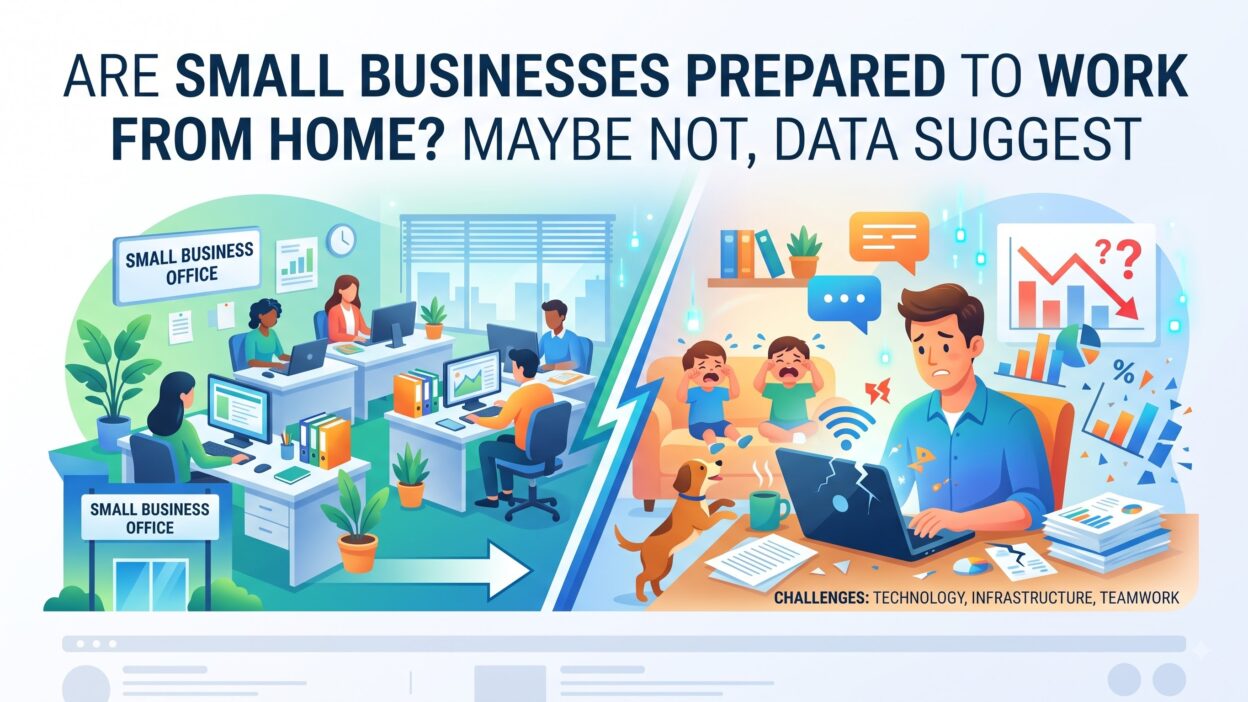
Work from home sounds easy on paper. Reports from small business associations show a different reality. Many companies rushed into remote work without testing their systems first. Owners assumed employees already knew how to manage a home office. That assumption caused problems fast.
Survey Numbers Paint a Mixed Picture
Recent small business surveys found that fewer than half of small companies had a written work from home policy before shifting to remote setups. Most built their rules after problems appeared, not before. Employees reported confusion about work hours. Managers reported trouble tracking output. These numbers point to a planning gap, not a skills gap.
The Gap Between Big Companies and Small Teams
Large corporations spend months building remote work systems. They hire IT teams. They test software. They train staff. Small businesses rarely get that runway. Owners wear ten hats already. Adding “remote work strategist” to that list often falls to the bottom. This gap explains why small business remote work often looks improvised instead of planned.
Why Small Businesses Struggle With Work from Home
Small companies face real barriers that larger firms rarely deal with. Money, time, and knowledge all play a part. Each barrier stacks on the next one.
Limited Budgets for Remote Tools
Good work from home tools cost money. Project management software, video conferencing platforms, and secure file storage all carry monthly fees. A small business with five employees feels every dollar. Owners often choose free tools instead. Free tools work for basic tasks. They fall short for larger teams with complex projects. This budget gap slows down remote work readiness across the board.
No Formal Work from Home Policy
A policy sets expectations. Without one, employees guess. Some assume they can work any hour they choose. Others assume strict nine-to-five rules still apply. A clear work from home policy removes this guesswork. It states work hours, response times, and equipment rules. Small businesses that skip this step create confusion inside their own teams.
Cybersecurity Blind Spots
Home networks rarely match office security standards. Employees connect through personal routers. Some use public Wi-Fi at coffee shops. Small businesses often skip basic protections like VPNs or two-factor authentication. This leaves company data exposed. A single breach can cost a small business far more than the tools needed to prevent it.
The Real Cost of Being Unprepared
Poor planning does not stay hidden for long. It shows up in output, morale, and client relationships.
Lost Productivity
Employees without proper tools waste time. They switch between apps that do not sync. They wait for approvals that get lost in email threads. A disorganized virtual work setup drains hours every week. Multiply that across a team, and the losses add up fast.
Employee Burnout and Isolation
Work from home can blur boundaries between job and personal life. Without clear hours, employees answer messages late at night. They skip breaks. They feel pressure to stay visible online at all times. Over time, this leads to burnout. Isolation adds another layer. Remote employees miss casual office conversations. They feel disconnected from their team. Small businesses that ignore this risk losing good employees.
Client Trust Issues
Clients notice when a small business struggles with remote work. Missed deadlines, dropped calls, and slow replies damage trust. A client does not care why the video call froze. They only see the result. Small businesses that fail to prepare for telecommuting risk their reputation along with their internal operations.
What Small Businesses Need to Build a Strong Work from Home Setup
The good news: none of these fixes require huge budgets. They require intention.
Choosing the Right Tools
Start with the basics. A reliable video conferencing platform. A shared calendar. A project tracker everyone actually uses. Avoid picking five tools that do similar things. Pick one system per function and stick with it. This keeps the work from home tools list simple and easy to manage.
Writing a Clear Work from Home Policy
A short policy beats no policy. Write down expected work hours. Write down how fast employees should respond to messages. Write down which tools the team uses for which tasks. Share this document with every employee before they start working remotely. Update it as the business grows.
Training Employees for Remote Work
Skills matter as much as tools. Teach employees how to run a virtual meeting well. Teach them how to secure their home network. Teach them how to manage their own schedule without direct supervision. A short training session saves weeks of confusion later.
Steps to Prepare Your Small Business for Remote Work
Preparation works best as a process, not a single decision.
Start With a Readiness Audit
Look at current systems first. Ask which tasks already work well remotely. Ask which tasks need an in-person setting. This audit shows exactly where gaps exist. Owners often find that only a few processes need real fixes, not the entire operation.
Set Communication Rules Early
Decide how the team communicates before problems start. Pick a primary channel for quick messages. Pick a separate channel for formal updates. State how often the team should check in. Clear rules reduce the back-and-forth that eats up a workday.
Track Progress and Adjust
No plan works perfectly on the first try. Check in with employees weekly during the first month. Ask what feels difficult. Ask what feels smooth. Adjust the plan based on real feedback, not guesses. Small businesses that treat remote work as a living process adapt faster than those that set rules once and never revisit them.
Hybrid Work: A Middle Ground for Small Businesses
Full remote work does not fit every small business. Some tasks need hands-on equipment. Some teams work better with occasional in-person time. Hybrid work offers a middle path. Employees split time between the office and home. This model keeps some structure while still offering flexibility.
Small businesses that adopt hybrid work often see fewer communication problems than fully remote teams. Employees stay connected through regular office days. They still get the freedom of work from home on other days. This balance suits companies still building their remote work systems. It also gives owners a testing ground before committing to a fully remote model.
Common Mistakes Small Businesses Make With Remote Teams
A few mistakes show up again and again in small business remote work setups.
Owners often skip the policy step entirely. They assume employees will figure things out on their own. This leads to mismatched expectations within the first month. Owners also pick too many tools at once. A team juggling six apps for one task loses more time than it saves.
Another common mistake involves security. Small businesses often delay setting up basic protections until after a problem occurs. By then, the damage already happened. Waiting on security is one of the costliest mistakes a small business can make.
Micromanaging remote employees causes trouble too. Owners who demand constant check-ins create stress instead of accountability. Trust works better than surveillance for most remote teams. A results-based approach keeps morale higher than a screenshot-every-ten-minutes policy.
Frequently Asked Questions
Is work from home actually harder for small businesses than large companies? Yes, in most cases. Small businesses have fewer resources for IT support, training, and dedicated tools. Large companies can absorb these costs more easily.
What is the most important first step for small business remote work readiness? Write a basic work from home policy first. This single document solves most early confusion around hours, tools, and expectations.
Do small businesses need expensive software for remote work? No. A few reliable tools cover most needs. Video calls, shared files, and a task tracker handle the majority of remote work tasks for a small team.
How can a small business improve remote work security on a tight budget? Start with free or low-cost basics. Two-factor authentication and a password manager cost little or nothing and reduce risk significantly.
Is hybrid work a good option for small businesses unsure about full remote work? Yes. Hybrid work lets a small business test remote systems gradually. It reduces risk while still offering employees flexibility.
How long does it take a small business to become fully prepared for remote work? Most businesses see real improvement within one to two months of consistent policy use, tool adoption, and employee feedback.
Read More:-What Is Sentiment Analysis? A Complete Guide
Conclusion

Small businesses are not doomed to fail at work from home. The data simply shows most started without a plan. Tools alone do not solve this. Policies alone do not solve this either. Real readiness comes from combining clear rules, the right tools, and ongoing feedback from the team. Owners who treat remote work as an evolving system, not a one-time switch, see stronger results. The businesses struggling today can still catch up. It starts with an honest look at current gaps and a willingness to fix them one step at a time.