Introduction
TL;DR RevOps teams want AI agents that work with real data. A chat window alone cannot do that. The agent needs a safe path into your tools. MCP gives it that path.
MCP stands for Model Context Protocol. It lets an AI tool talk to outside systems. Each system runs its own server. The agent asks a question. The server answers.
This guide covers the Best MCP Servers for RevOps in 2026. You will meet seven options. You will learn what each one does, where it falls short, and who should use it. You will see how to build a stack that stays accurate.
Table of Contents
What Is an MCP Server?
MCP in Plain Words
An MCP server is a bridge. One side faces your AI tool. The other side faces a business system. The bridge defines what the agent may read. It sets rules for changes.
Claude, ChatGPT, Copilot, and Perplexity can connect to MCP servers. A rep types a question. The agent picks the right tool. The answer comes back in seconds.
Two types exist. First-party servers come from the vendor. Community servers come from outside developers. Vendor servers usually offer stronger security and support.
Why RevOps Cares Now
RevOps owns the data behind revenue. Scores, routes, and forecasts all depend on it. Agents now research accounts, update records, and answer reporting questions. They work fast.
A bad source makes an agent wrong fast. A loose permission lets an agent change the wrong record. Governance matters as much as speed.
Smart teams treat MCP as plumbing. The data underneath must stay clean. The permissions around it must stay tight. Everything else builds on those two rules.
What Makes the Best MCP Servers for RevOps
The Best MCP Servers for RevOps share five traits. Check each one before you connect a tool to your agents.
First-Party and Governed
Choose servers that the vendor builds and hosts. Look for per-user sign-in. Look for permission checks on every request. A thin wrapper around a public API rarely offers that safety. Real support matters when something breaks.
The Right Read and Write Posture
Data servers should lean toward reading. Your CRM should handle writes. This split keeps your system of record clean. Match each server to one clear job. Agents stay accurate when each tool has a lane.
Coverage and Signal Depth
Routing, scoring, and forecasting need signals. Intent data, job changes, and engagement all help. A server that returns companies, contacts, and signals in one connection saves effort. Stitching three vendors into every workflow slows your team.
Scale, Credits, and Audit Trails
Agents burn credits faster than people. Ask how each server handles bulk work. Ask how it tracks usage. Ask what logs you can review. Audit trails prove who did what and when.
Best MCP Servers for RevOps at a Glance
Here is a quick view of the seven options. Each one covers a different layer of the revenue stack. The Best MCP Servers for RevOps work together as a set. No single tool does every job.
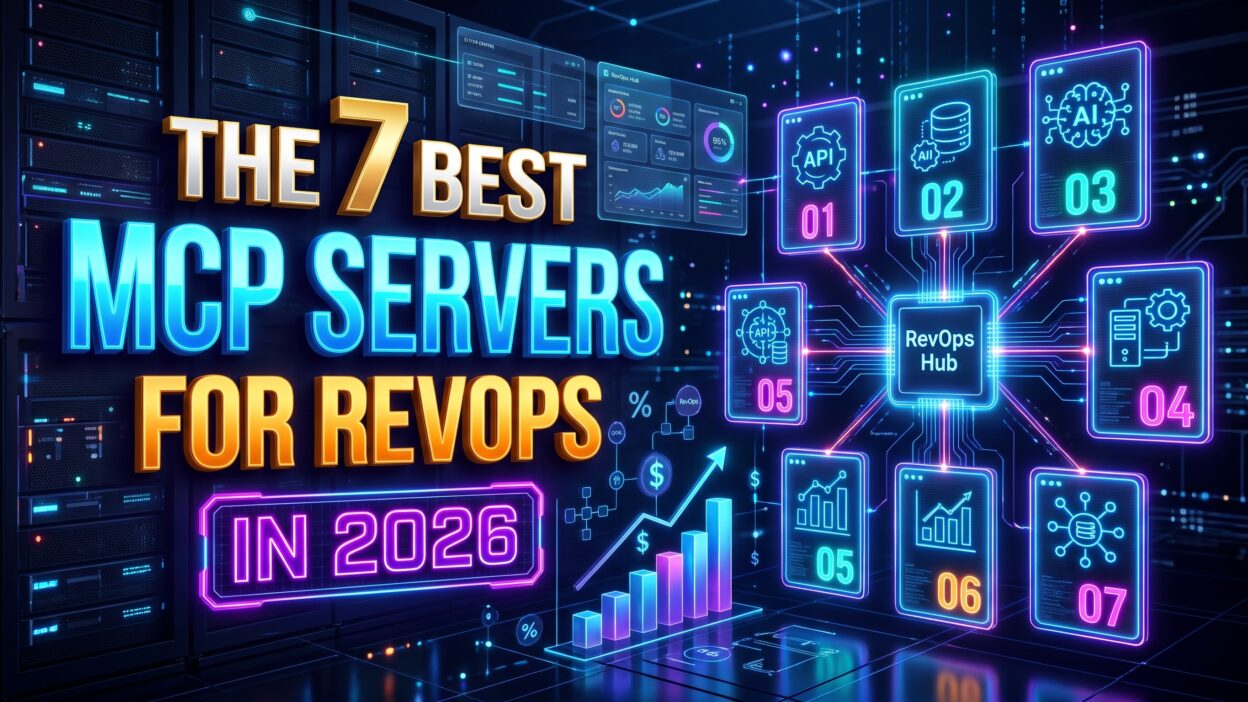
ZoomInfo sits at the data and enrichment layer. Apollo covers prospecting and outreach. Salesforce and HubSpot cover the CRM layer. Snowflake covers the warehouse and reporting layer. Clay orchestrates enrichment workflows. Gong adds conversation intelligence.
Think of the stack as three floors. The ground floor holds accurate data. The middle floor holds your CRM, where records change. The top floor holds reports and call insight. Each floor needs its own server.
Your size and stack decide which seven matter most. A HubSpot shop skips Salesforce. A team without Snowflake skips the warehouse. Pick the layers you run today.
The Seven Servers Reviewed
Each of the Best MCP Servers for RevOps below covers one layer. Read each section with your own stack in mind.
1. ZoomInfo MCP: Data and Enrichment
ZoomInfo runs a first-party MCP server. The vendor builds and hosts it. It connects verified data on over 100 million companies and 600 million contacts to AI tools such as Claude, ChatGPT, Copilot, and Perplexity. Those figures come from ZoomInfo. Test coverage in your own market.
An agent can research an account in one request. It returns decision makers, tech stack, hiring signals, and intent. Lookalike search finds companies that match a reference account. Per-user sign-in limits results to each person’s package.
The server leans toward reading. Writing enriched records back to your CRM runs through the ZoomInfo API or your CRM’s own server. The server uses bulk data credits. Confirm your credit setup before launch.
Pick ZoomInfo when you want an accurate, signal-rich data layer under scoring, routing, and forecasting. Budget matters here. Enterprise data tools cost more than entry-level options.
2. Apollo MCP: Prospecting and Outreach
Apollo is a prospecting and sales engagement platform. Its MCP server comes from the vendor. It connects through OAuth or an API key. Reports say it works on any plan, including the free tier.
Apollo bundles search, enrichment, and outreach into one connection. An agent can find leads, add verified email and phone data, and enroll prospects in sequences. It reads and writes records that live in Apollo. Apollo claims over 230 million contacts. Check that claim against your target market.
The tool fits smaller teams. Pricing stays friendly. Setup takes little time.
Know the limits. Apollo focuses on prospecting and outbound. Enterprise data hygiene and permission controls run lighter than at larger data vendors. Nothing runs while the chat sits closed. You get a doorway, not a background worker.
Pick Apollo when you want coverage and outreach in one affordable connection.
3. Salesforce Hosted MCP Servers: Enterprise CRM
Salesforce hosts its own MCP servers. The hosted servers went generally available in April 2026 for Enterprise Edition and above. Salesforce handles hosting, sign-in, and permissions. Reports say the server carries no extra license cost. Confirm that with your account team.
An agent can query and update accounts, opportunities, cases, and custom objects. It can run Flows, Apex actions, and SOQL queries as governed tools. Every action runs under the signed-in user’s identity. Your field-level security and sharing rules apply. Each action lands in the audit trail.
Writes belong in the system of record. That is why Salesforce earns a place among the Best MCP Servers for RevOps.
Setup leans toward admins. Plan time for scoping. Give agents a short list of approved tools. Open access to every object invites trouble.
Pick Salesforce when your CRM already runs on it and you want governed access without custom code.
4. HubSpot MCP: CRM for Growing Teams
HubSpot hosts a first-party remote MCP server. Reports say it works across hubs and tiers at no extra cost. Since April 2026 it offers read and write access to core CRM objects.
An agent can work with twelve standard objects. Contacts, companies, deals, tickets, and quotes all fit that list. Calls, emails, meetings, notes, and tasks fall under engagements. Each action follows the user’s existing permissions. A rep with territory limits sees only their records.
Know the gaps. The server does not expose custom object schemas today. Teams with heavy custom data may need another route. The Sensitive Data setting blocks activity objects such as calls and emails. Regulated teams should check coverage before launch.
Pick HubSpot when your system of record lives there. Pair it with a data server for enrichment.
5. Snowflake MCP: Warehouse and Reporting
Snowflake offers a managed MCP server. It runs inside the platform. You set up no separate infrastructure. Data stays inside Snowflake’s boundary.
Cortex Analyst turns plain-language questions into SQL against your semantic models. Cortex Search handles documents. Your roles, row access rules, and masking policies still apply. An agent inherits the governance you already enforce. Reports say no separate billing line exists for the server. You pay for the compute you use.
Reporting questions need a warehouse server. Snowflake fills that slot among the Best MCP Servers for RevOps.
Value depends on your data. Reporting tables and semantic models must live in Snowflake. An agent will query a broken table with total confidence. Keep data-quality checks upstream.
Pick Snowflake when analysts and ops leaders want plain-language answers from warehouse data.
6. Clay MCP: Enrichment Orchestration
Clay builds enrichment waterfalls. A waterfall tries one data provider. It falls back to the next when the first returns nothing. Teams use it to cut cost and raise coverage.
The Clay plugin exposes your tables, records, enrichments, and waterfalls over MCP. An agent runs the logic your team already tuned. It does not replace that logic. You keep control of spend and sources. Waterfalls can span more than one hundred providers.
Clay suits teams that already built waterfalls. That fit keeps it among the Best MCP Servers for RevOps.
Know the limits. The plugin targets coding-agent hosts with a shell, such as Claude Code, Codex, and Cursor. General chat apps can call tools but cannot run the full command line. Clay orchestrates data. It does not own data. Quality depends on the providers behind each waterfall.
Pick Clay when your ops team lives in Clay tables.
7. Gong MCP: Conversation Intelligence
Gong records and analyzes sales calls and deals. Its MCP server brings that intelligence into Claude, ChatGPT, Copilot, and Agentforce. Gong runs its own MCP client too, so the flow runs both ways.
An agent gets conclusions, not raw logs. Account summaries, deal risks, objections, and next steps come back ready to use. Recordings, transcripts, and metadata stay available when you need the source. Pipeline and rep-level signals support coaching and deal review. A gateway controls access.
Context from calls completes the Best MCP Servers for RevOps stack. CRM fields rarely hold what a buyer said.
Know the limits. The server leans toward reading. It does not enrich data or write to your CRM. Value assumes your team already records calls in Gong.
Pick Gong when you want deal risk and coaching signals next to CRM data.
How to Choose the Best MCP Servers for RevOps
Choosing the Best MCP Servers for RevOps starts with your stack, not with a list. Map what you run today. Name your CRM, your warehouse, your data vendor, and your call tool. Each one may already offer a server.
Rank your pain points. Maybe your data goes stale. Maybe your reports take days. Maybe reps skip CRM updates. Match each pain to a layer. Stale data points to the data layer. Slow reports point to the warehouse.
Start with one server. Connect your CRM first. Run read-only tasks for two weeks. Watch accuracy and permissions. Add a data server after that. Add reporting and call tools later.
Test with real work. Ask an agent to research ten accounts. Ask it to build a pipeline summary. Ask it to draft a follow-up from a call. Score each answer for accuracy and speed.
Set a budget for credits. Agents use them fast. Ask each vendor how usage is tracked. Ask what happens at the limit. Surprises hurt in month two.
Read vendor security pages. Check authentication, logs, and data handling. Ask your security team to approve the list before rollout.
Common Mistakes in RevOps MCP Stacks
Even the Best MCP Servers for RevOps fail in weak setups. Four mistakes appear again and again.
Stale data comes first. MCP is plumbing. It does not clean anything. An agent connected to a stale source gives stale answers with total confidence. Fix the data layer before you add agents.
Blurred read and write lines come next. Letting an agent push enriched records straight into the CRM from a data tool can corrupt records. Keep data servers read-only. Route writes through your CRM server, where permissions and audit trails already live.
Thin context breeds wrong answers. Ask an agent who runs an account and it will name someone. The name may be out of date. Ground agents in verified data and your own call history.
Governance sprawl creeps in quietly. Every server adds a new permissions surface. Set least-privilege defaults. Decide which agents may call which tools. Review logs on a schedule. Do this before you roll out to the whole team.
Security and Governance Basics
Treat each MCP server like a new employee with a login. Give it the least access it needs. Review that access every quarter.
Prefer per-user authentication. It keeps each action tied to a person. Shared keys hide who did what. Prefer servers that respect your existing roles and field rules.
Log every tool call. Review failures and odd patterns. Ask your vendors for audit exports. Keep agents away from sensitive fields until you trust the setup.
Train your team too. Reps should know what an agent can change. Managers should know where to check history. Clear rules prevent most surprises.
Best MCP Servers for RevOps FAQs
Which single MCP server should RevOps start with?
Start with your CRM server. Your CRM holds the records that matter most. Salesforce and HubSpot both offer first-party servers. Run read-only tasks first. Add a data server once you trust the setup.
Which of the Best MCP Servers for RevOps write back to the CRM?
Salesforce and HubSpot write to their own records directly. Apollo writes to records that live in Apollo. Among the Best MCP Servers for RevOps, data servers such as ZoomInfo lean toward reading. Gong and Snowflake also lean toward reading. Route CRM updates through your CRM server.
Are the Best MCP Servers for RevOps free?
Some cost nothing extra. Reports say HubSpot’s server works across tiers at no added charge. Reports say Salesforce includes its hosted server on eligible editions. Apollo connects on free plans. Data servers draw on credits or paid plans. Snowflake bills for compute. Confirm terms with each vendor.
Are first-party servers better than community servers?
For RevOps, yes in most cases. Vendors build security, permissions, and support into their own servers. Community wrappers vary. Check maintenance history and permission handling before you trust one with revenue data.
Can I use more than one MCP server at once?
Yes. Most teams do. A strong stack pairs a data server, a CRM server, and a reporting server. Each one handles a lane. Keep lanes clear to protect data quality.
How is a RevOps stack different from a sales stack?
A sales stack focuses on prospecting and outreach. A RevOps stack focuses on data accuracy, CRM hygiene, reporting, and the signals behind routing, scoring, and forecasting. Some tools serve both jobs.
Do I need a developer to set these up?
Not always. Many servers connect through a sign-in flow. Salesforce and Snowflake setups lean toward admins. Clay’s plugin suits coding-agent hosts. Plan for some technical help on larger rollouts.
Read More:-7 Best Forma.ai Alternatives [2026]
Conclusion

RevOps teams do not need one perfect server. They need a stack that fits. The Best MCP Servers for RevOps cover data, CRM, reporting, enrichment, and calls. Each one handles a lane.
ZoomInfo and Apollo cover data and prospecting. Salesforce and HubSpot protect your records. Snowflake answers reporting questions. Clay runs enrichment waterfalls. Gong adds the voice of the buyer.