Introduction
TL;DR Sales and support teams waste hours logging calls by hand. Aircall handles calling. HubSpot handles the CRM. The Aircall HubSpot Integration connects both, so call data flows straight into contact records without manual entry.
This guide covers everything worth knowing before you connect these platforms. You will see the core features. You will walk through setup step by step. You will also find answers to the questions teams ask most about the Aircall HubSpot Integration.
Table of Contents
What Is the Aircall HubSpot Integration?
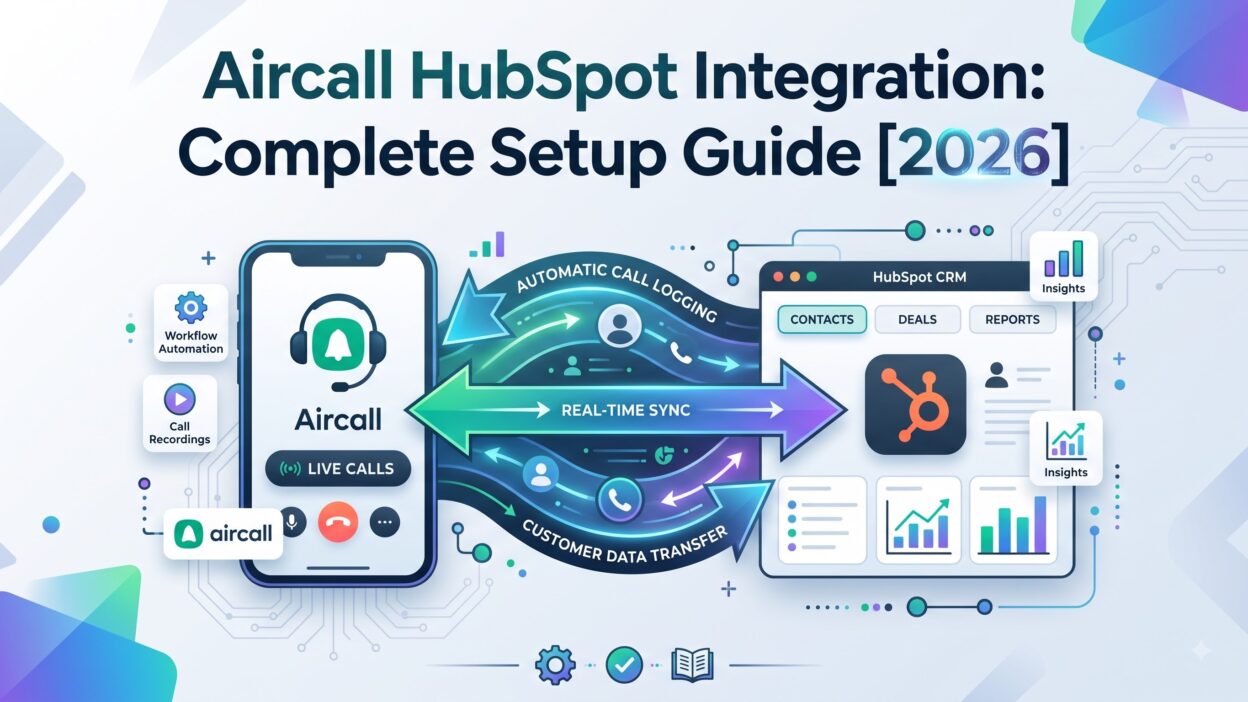
Aircall is a cloud-based phone system built for sales and support teams. HubSpot is a CRM used to manage contacts, deals, and marketing campaigns. The Aircall HubSpot Integration links both, so every call ties back to the right contact record automatically.
Reps dial straight from HubSpot without switching apps. Call notes, recordings, and outcomes save directly to the contact timeline. Managers see call activity without asking reps for daily updates.
This connection removes manual logging and gives teams a complete picture of every customer conversation.
Why Sales and Support Teams Need the Aircall HubSpot Integration
Manual call logging eats up rep time. A rep finishes a call, then spends several minutes typing notes into HubSpot by hand, often from memory after the conversation ends.
The Aircall HubSpot Integration removes that gap. Call details log automatically the moment a call ends. Reps focus on the conversation instead of worrying about note-taking during the call.
Support teams gain the same benefit. Every customer call ties to a case or contact record, so agents pick up context instantly during a callback.
Core Features of the Aircall HubSpot Integration
The Aircall HubSpot Integration includes several features built for daily calling work. Each one removes a manual step from the sales or support process.
Click-to-Call from HubSpot
Reps click any phone number inside a HubSpot contact or deal record. Aircall dials automatically. No manual dialing. No switching between a phone app and the CRM screen.
This small feature saves seconds per call, but across a full day of dialing, those seconds turn into real time saved for busy sales teams.
Automatic Call Logging
Every call logs into HubSpot without manual input. Call duration, direction, and outcome save directly to the matching contact timeline the moment the call ends.
Reps stop writing call summaries from memory. Managers trust the data because it comes from the system directly, not from a rushed note typed after a long call.
Call Recording and Playback
Aircall records calls and stores them inside HubSpot alongside the contact record. Reps replay a call before a follow-up meeting to refresh their memory on specific details discussed.
New reps use recordings for training too. They listen to strong calls from top performers instead of relying only on written training material.
Power Dialer Integration
Aircall’s power dialer works directly from HubSpot lists. Reps load a list of contacts and dial through them one by one, without manually searching for each number.
This feature speeds up outbound prospecting significantly, especially for teams running high-volume cold calling campaigns each week.
Real-Time Call Insights
Managers view live call activity across the team through HubSpot dashboards. They see who’s on a call right now and how long each call has run so far.
This visibility helps managers step in for coaching or support during a difficult call without waiting for a debrief afterward.
How to Set Up the Aircall HubSpot Integration
Setup takes under an hour for most teams, even without dedicated IT support.
Connect Aircall from HubSpot Marketplace
Admins open the HubSpot App Marketplace and search for Aircall. They click install and authenticate using Aircall admin credentials. This step takes just a few minutes to finish.
Configure Call Logging Settings
Admins decide which call details sync into HubSpot, including call notes, recordings, and disposition tags. These settings shape what reps and managers see inside each contact timeline.
Assign Phone Numbers to Users
Each rep needs an Aircall number linked to their HubSpot user profile. Admins assign numbers during setup, ensuring calls tie back to the correct rep automatically.
Set Up Workflow Triggers
Teams build HubSpot workflows based on call outcomes. A missed call might trigger a follow-up task. A completed call might update a lead’s status automatically inside the pipeline.
Test the Integration
Before rolling this out to the full team, admins place test calls. They confirm logs, recordings, and workflow triggers all work correctly across a few sample contacts.
Testing early catches configuration errors before the whole team starts relying on the system daily.
Benefits of the Aircall HubSpot Integration for Sales Teams
Sales reps gain speed and accuracy once this integration replaces manual call tracking.
Faster Follow-Ups
Since call data logs instantly, reps follow up right after a call ends. They reference exact details from the conversation instead of relying on memory hours later.
Better Pipeline Visibility
Managers see which deals have recent call activity and which ones have gone quiet. This visibility helps prioritize follow-ups on deals that risk stalling without attention.
Higher Call Volume Without Extra Effort
The power dialer lets reps move through call lists faster. Teams increase daily call volume without asking reps to work longer hours or skip breaks between calls.
Benefits of the Aircall HubSpot Integration for Support Teams
Support teams resolve issues faster once call history connects directly to case records.
Faster Case Resolution
Agents pull up past call recordings and notes the moment a case opens. They skip repetitive questions since the history already sits inside the contact timeline.
Smooth Agent Handoffs
When one agent transfers a case to another, the new agent reads the full call history instantly. No need to call the previous agent for context or details.
Reporting and Analytics Features
Reporting gets sharper once call data connects directly to HubSpot’s existing dashboards.
Call Volume and Outcome Reports
Sales leaders track calls made, calls answered, and calls converted into next steps. These reports live inside HubSpot, removing the need to export data from a separate phone system.
This data also highlights which reps need coaching on call volume or call quality.
Average Call Duration by Rep
Teams compare average call length across reps. Very short calls might signal rushed conversations. Very long calls might signal reps struggling to close efficiently.
Common Challenges and How to Solve Them
Most setup issues trace back to configuration rather than the platforms themselves.
Missing Call Logs
Calls sometimes fail to log if a rep’s Aircall number isn’t correctly linked to their HubSpot profile. Admins fix this by reviewing user assignments inside the integration settings.
Workflow Trigger Errors
Automated workflows sometimes fire incorrectly if call disposition tags aren’t set up clearly. Admins solve this by reviewing tag definitions and testing each trigger before full rollout.
Call Quality and Connection Issues
Poor internet connections sometimes cause dropped calls or delayed logging. IT teams solve this by confirming bandwidth requirements before rolling the integration out to the full office.
Aircall HubSpot Integration Pricing
The connection itself comes free through the HubSpot App Marketplace. Costs come from each platform’s separate subscription instead of the integration itself.
Aircall pricing depends on the number of phone lines and features needed, like the power dialer. HubSpot pricing depends on your chosen hub and contact tier. Teams should compare both pricing pages directly before committing.
Who Should Use the Aircall HubSpot Integration?
Sales teams running high call volumes benefit the most from this setup. Support teams handling phone-based customer service also see strong value from connected call history.
Small teams making only a few calls per week might not need the full integration yet. Growing teams scaling outbound calling or phone support should set this up early, before call data grows scattered across separate systems.
Frequently Asked Questions
Does the Aircall HubSpot Integration log calls automatically? Yes. Automatic call logging sits at the core of the Aircall HubSpot Integration, saving reps from manual note entry after every call.
Can I use the power dialer directly from HubSpot lists? Yes. Reps load a HubSpot list into Aircall’s power dialer and work through contacts one by one without manual searching.
Does this integration require developer support to set up? No. Most teams complete setup through the HubSpot App Marketplace without any custom development work needed.
Will call recordings save inside HubSpot? Yes. Recordings save directly to the contact timeline, making them easy to find during follow-up calls or training sessions.
Can support teams use this integration too? Yes. Support agents benefit from call history syncing directly into contact and case records, speeding up resolution time significantly.
Is the Aircall HubSpot Integration free to install? The connection itself is free. Costs depend on your existing Aircall and HubSpot subscription plans and chosen feature tiers.
Read More:-Teamtailor Features: A Complete Breakdown in 2026
Conclusion

The Aircall HubSpot Integration turns scattered call data into one connected system. Reps save time on logging. Managers gain visibility into call activity without chasing updates. Support teams resolve cases faster with full call history at their fingertips.
Setup stays simple enough for most teams to handle without dedicated IT support. Careful configuration of call logging and workflow triggers makes the difference between a smooth rollout and a confusing one.
For any team relying on phone calls to sell or support customers, the Aircall HubSpot Integration earns a serious look this year.