Introduction
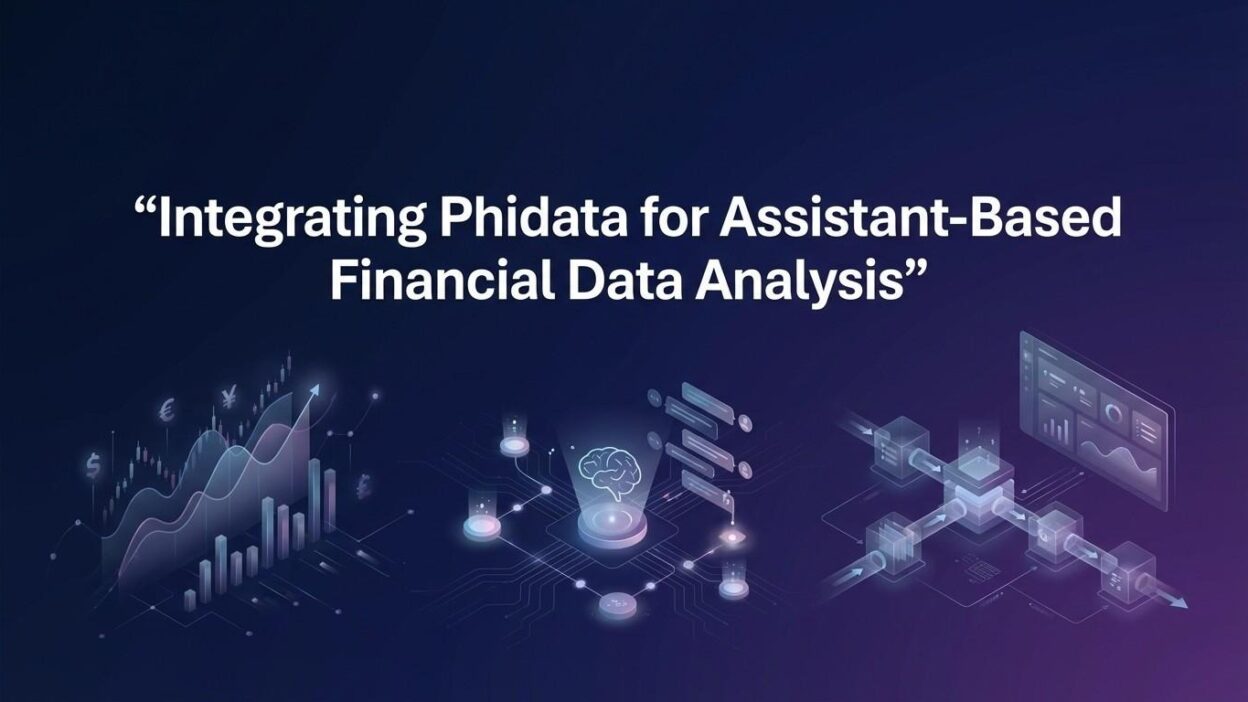
TL;DR Financial data moves fast. Analysts need smart tools. Phidata financial data analysis integration changes how teams work with numbers.
Traditional dashboards feel slow. They demand manual updates. They miss real-time signals. Phidata solves this gap.
Phidata is an open-source framework. It builds AI-powered assistants. These assistants connect to data sources directly. They run analysis on command.
Table of Contents
What Is Phidata?
The Core Framework
Phidata is a Python-based AI agent framework. It was built to create smart assistants fast. Developers and analysts love it because it is flexible.
The framework supports multiple LLMs. It connects to databases, APIs, and files. It also has built-in memory and reasoning capabilities.
Phidata agents can read CSV files. They can query SQL databases. They can call external APIs. All of this happens without extra code bloat.
Why Financial Analysts Choose It
Finance demands precision. Errors cost money. Phidata financial data analysis integration reduces manual steps. It lowers error rates.
Analysts ask natural language questions. The assistant finds the answer. It pulls the right data. It runs the right calculations.
This saves hours each week. Research time drops. Decision speed increases. Accuracy stays high.
Open Source Advantage
Phidata is free to use. The community is active. Updates arrive often. You can customize every part of it.
Enterprise teams use it. Startups use it. Independent analysts use it. The tool scales with your needs.
Core Components of Phidata for Finance
AI Agents
The agent is the brain of Phidata. You define its role. You give it tools. You set its memory mode.
For finance, you can create a stock analyst agent. It knows how to read market data. It understands financial ratios. It gives insights on demand.
Agents remember past conversations. They learn your preferences. They improve over sessions.
Tools and Integrations
Phidata supports dozens of tools. These include YFinance for stock data. They include DuckDB for fast SQL queries. They include custom API connectors.
Phidata financial data analysis integration uses these tools together. You combine stock feeds with news APIs. You layer sentiment analysis on top.
The result is a full picture of any asset. No more switching between ten tabs.
Storage and Memory
Phidata uses persistent storage. Conversations save automatically. Historical context stays fresh.
For financial teams, this matters. An analyst asks about a company today. Tomorrow, the assistant remembers. It builds on prior work.
Teams share memory banks. Everyone stays aligned. No knowledge gets lost.
Structured Outputs
Phidata returns clean outputs. You get JSON, tables, or plain text. You pick the format that fits your system.
Reports generate fast. Charts feed from structured data. Dashboards update without manual work.
Setting Up Phidata for Financial Analysis
Prerequisites
You need Python 3.9 or higher. Install pip dependencies. Have an API key for your chosen LLM.
OpenAI GPT-4 works well. Anthropic Claude is also supported. Local models run via Ollama.
Set up a virtual environment first. Keep your workspace clean. Avoid dependency conflicts.
Installation Steps
Run pip install phidata in your terminal. This installs the base package. Add extra packages for finance tools.
Install yfinance for stock data. Install sqlalchemy for database connections. Install pandas for data manipulation.
Check your installation with a quick test script. Confirm all tools respond correctly.
Building Your First Financial Agent
Start with a simple agent definition. Give it a name like FinanceAssistant. Set its role as a financial analyst.
Add YFinanceTool to its toolset. This gives it access to stock prices. It can now pull real-time and historical data.
Run a test query. Ask the agent about Apple stock. Watch it fetch data, calculate changes, and summarize trends.
Phidata financial data analysis integration works right out of the box. No complex configuration needed at the start.
Connecting to Your Data Sources
Finance teams have their own databases. Connect Phidata to PostgreSQL or MySQL. Use the SQLTools integration.
Upload internal CSV files. The agent reads them on demand. It answers questions from your proprietary data.
Combine internal data with external feeds. The assistant merges both. Insights become richer.
Key Use Cases for Phidata in Financial Analysis
Real-Time Stock Monitoring
Portfolio managers watch dozens of stocks. Phidata financial data analysis integration makes this easy.
You set up an agent for your watchlist. It checks prices every few minutes. It sends alerts when thresholds hit.
Ask it why a stock dropped. It pulls news, earnings data, and sector trends. It gives a clear summary.
This replaces hours of manual checking. Managers stay informed without screen fatigue.
Earnings Report Analysis
Earnings season is chaotic. Reports drop at odd hours. Analysts scramble to read them.
Phidata handles this differently. Feed the PDF report to your agent. Ask for key highlights.
The assistant extracts revenue, margins, and guidance. It compares figures to analyst estimates. It flags surprises immediately.
Teams get summaries in minutes. Not hours. Decision-making speeds up.
Risk Assessment
Risk managers need deep data fast. Market volatility creates pressure. Manual models fall behind.
With Phidata financial data analysis integration, you automate risk scoring. The agent pulls volatility indices. It reads correlation matrices. It runs scenario simulations.
Results appear in plain English. No complex formula reading needed. Any team member understands the risk picture.
Portfolio Optimization
Balancing a portfolio requires math. It also requires judgment. Phidata combines both.
The agent reads your holdings. It calculates allocation percentages. It suggests rebalancing based on targets.
You set the rules. The agent follows them. Optimization runs on schedule or on demand.
Macroeconomic Research
Macro analysts track GDP, inflation, and interest rates. Data comes from many sources.
Phidata connects to FRED, World Bank APIs, and news feeds. One agent reads them all. It synthesizes findings.
You ask about inflation trends. The agent pulls five years of data. It writes a clear narrative. You act on it fast.
Advanced Features for Power Users
Multi-Agent Workflows
Complex finance tasks need multiple agents. Phidata supports agent teams natively.
Create a researcher agent. Pair it with an analyst agent. Add a report writer agent.
Each agent handles its specialty. They pass outputs to each other. The final product is polished and thorough.
Phidata financial data analysis integration scales to enterprise workflows this way. Large teams benefit most.
Custom Tool Development
Not every data source has a ready tool. Build your own with Phidata’s tool SDK.
Write a simple Python function. Wrap it in Phidata’s tool decorator. Your agent uses it like any built-in tool.
Connect to Bloomberg terminals. Pull data from proprietary databases. The framework handles everything else.
Scheduled Analysis Jobs
Finance never sleeps. Markets move overnight. Morning briefings need fresh data.
Schedule your Phidata agents as cron jobs. They run analysis at set times. Reports arrive in your inbox automatically.
Set daily equity reports. Set weekly macro summaries. Set monthly portfolio reviews. All automated.
Audit Trails and Compliance
Finance requires records. Regulators demand documentation. Phidata logs every agent action.
You see what data was pulled. You see what calculations ran. You see what outputs generated.
Compliance teams love this feature. Audits become straightforward. Nothing hides in a black box.
Comparing Phidata to Other Financial AI Tools
Phidata vs. LangChain
LangChain is popular and powerful. It offers broad flexibility. Setup takes longer for finance-specific tasks.
Phidata focuses on assistant-style agents. The finance tooling comes pre-built. Analysts deploy faster.
Both have strong communities. Phidata wins on simplicity for financial use cases.
Phidata vs. AutoGPT
AutoGPT runs autonomously. It makes many decisions alone. This can introduce unpredictable behavior.
Phidata keeps humans in the loop. Analysts review outputs. Agents ask for confirmation on key actions.
For regulated industries, Phidata financial data analysis integration is safer. Control stays with the analyst.
Phidata vs. Spreadsheet Automation
Excel macros and Google Sheets scripts have limits. They break with large datasets. They cannot read natural language.
Phidata handles millions of rows. It accepts questions in plain English. It generates professional outputs instantly.
The upgrade from spreadsheets to Phidata is significant. Teams that make this switch never go back.
Best Practices for Phidata Financial Integrations
Start Small
Do not automate everything at once. Pick one use case first. Build it well. Test it thoroughly.
A simple earnings summarizer is a great starting point. It delivers clear value fast. The team sees results quickly.
Validate Agent Outputs
AI agents make mistakes. Financial data errors have consequences. Always validate key outputs.
Build a review step into your workflow. An analyst checks agent summaries before they distribute. This catches rare errors before they matter.
Secure Your API Keys
Financial data APIs cost money. Leaked keys cause billing nightmares. Use environment variables for all secrets.
Never hard-code keys in scripts. Use .env files. Add them to .gitignore immediately.
Monitor Agent Performance
Track how often agents give accurate answers. Log queries and responses. Review them weekly.
Improve prompts when accuracy drops. Update tool configurations regularly. Phidata financial data analysis integration stays reliable with proper maintenance.
Frequently Asked Questions (FAQs)
What is Phidata used for in finance?
Phidata builds AI assistants for financial analysis. Analysts use it for stock research, risk assessment, earnings analysis, and portfolio management. Phidata financial data analysis integration connects these tasks under one intelligent system.
Is Phidata suitable for non-technical finance professionals?
Phidata requires basic Python knowledge to set up. Once deployed, non-technical users interact through plain English queries. A data engineer sets it up once. The whole team uses it after that.
Which LLMs work best with Phidata for financial tasks?
GPT-4 delivers strong performance for complex reasoning. Claude Sonnet handles long documents well. Gemini Pro works for multimodal data. Any LLM with strong reasoning handles Phidata financial data analysis integration effectively.
Can Phidata connect to real-time market data?
Yes. Phidata integrates with YFinance for live stock prices. It also connects to custom APIs. Real-time feeds plug in through tool configurations. The agent processes live data as fast as the source delivers it.
How does Phidata handle large financial datasets?
Phidata uses DuckDB for in-memory SQL queries. Large CSV files and databases load efficiently. The agent queries only what it needs. Performance stays strong even with millions of rows.
Is Phidata financial data analysis integration secure?
Phidata runs locally on your infrastructure. Data does not leave your environment unless you choose cloud LLMs. Use local models for maximum privacy. The framework supports full air-gapped deployments.
What does a typical Phidata financial agent cost to run?
The Phidata framework is free. LLM API costs depend on your provider. GPT-4 charges per token. Local models cost nothing beyond compute. A moderate use case runs under $50 per month with cloud LLMs.
Read More:-Top 8 Vector Databases Compared for Speed and Cost-Efficiency
Conclusion

Phidata financial data analysis integration is not just a trend. It represents a real shift in how analysts work.
Manual data pulling slows teams down. Spreadsheet formulas break. Traditional dashboards lag. Phidata replaces all of that with intelligent, conversational analysis.
You ask a question. The assistant finds the answer. It pulls the right data. It explains the reasoning clearly.
Financial professionals gain speed. They gain accuracy. They gain more time for strategic thinking. The routine work disappears.
The setup process is straightforward. The Python ecosystem supports every integration you need. The community grows every month. Documentation improves constantly.
Start with a single agent today. Pick one problem it can solve. Deploy it and measure the impact. The results will speak for themselves.
As AI capabilities grow, Phidata will grow with them. New models arrive. New tools appear. Your agents get smarter without rebuilding from scratch.
Phidata financial data analysis integration gives your team a competitive edge. Markets move fast. Your analysis needs to keep up. With Phidata, it does.
The future of financial analysis is conversational, automated, and intelligent. Phidata makes that future available today. Start building your first financial assistant now.